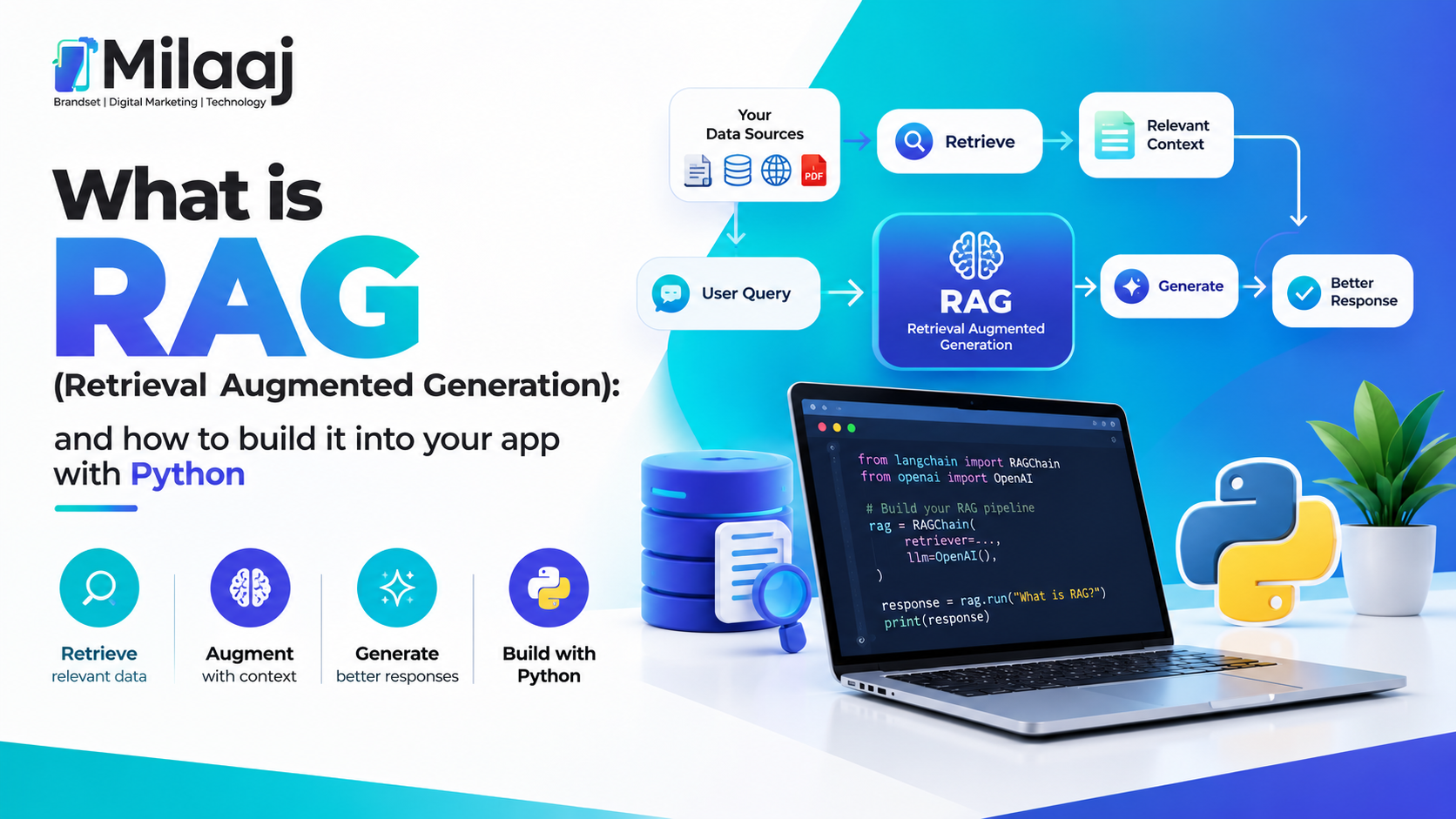
If you've ever asked ChatGPT about something happening this week or a document it's never seen, you already know its answer, but it often makes something up instead of admitting it doesn't know. That's exactly the problem RAG was built to solve. So, let's break down what is RAG (Retrieval Augmented Generation) and how to build it with Python, step by step, in a way that actually makes sense.
What Is RAG (Retrieval Augmented Generation)?
RAG, short for Retrieval Augmented Generation, is a technique that combines a language model with an external knowledge source. Instead of relying purely on what the model learned during training, RAG first retrieves relevant information from your own documents, database, or knowledge base, and then feeds that information to the AI model as context before it generates a response.
In simpler terms, RAG gives your AI app a way to "look things up" before answering, rather than guessing from memory alone. Consequently, this dramatically reduces hallucinations and allows your application to answer questions about private, recent, or highly specific data that the base model was never trained on.
Why RAG Matters for Modern AI Applications
Solving the Hallucination Problem
Large language models sometimes generate confident-sounding but incorrect answers, a problem known as hallucination. Therefore, by grounding responses in retrieved, factual content, RAG significantly improves accuracy and trustworthiness.
Working With Private or Custom Data
Most businesses want AI tools that understand their own documents, product catalogs, or internal policies. Since base models don't have access to this private information, RAG allows you to inject that data at query time without retraining the entire model.
More Cost-Effective Than Fine-Tuning
Fine-tuning a model on custom data requires significant time, computing power, and expertise. RAG, on the other hand, achieves similar personalization by simply retrieving relevant context, making it a far more practical and budget-friendly approach for most developers.
Keeping Information Up to Date
Since RAG pulls information from an external, updatable source, your application always reflects the latest data, unlike a fine-tuned model that becomes outdated the moment new information appears.
How RAG Actually Works: The Core Architecture
Step 1: Document Ingestion
First, your source documents — PDFs, articles, product data, or support tickets — are loaded into the system and broken into smaller, manageable chunks.
Step 2: Creating Embeddings
Next, each chunk of text is converted into a numerical representation called an embedding, using an embedding model. These embeddings capture the semantic meaning of the text, not just the exact words.
Step 3: Storing Embeddings in a Vector Database
The embeddings are then stored in a vector database, which is specifically designed to search through high-dimensional data efficiently. Popular options include Pinecone, Chroma, FAISS, and Weaviate.
Step 4: Retrieval at Query Time
When a user asks a question, their query is also converted into an embedding. The system then searches the vector database for the most semantically similar chunks of text, essentially finding the most relevant information.
Step 5: Augmenting the Prompt
Finally, the retrieved chunks are inserted into the prompt sent to the language model, alongside the user's original question. As a result, the model generates its answer using accurate, relevant context rather than relying solely on its training data.
How to Build RAG Into Your App With Python
Now, let's get practical. Here's a simplified example of how a basic RAG pipeline looks in Python using popular libraries.
Step 1: Install Required Libraries
python
pip install langchain openai chromadb tiktoken
Step 2: Load and Split Your Documents
python
from langchain.document_loaders import TextLoaderfrom langchain.text_splitter import RecursiveCharacterTextSplitterloader = TextLoader("your_data.txt")documents = loader.load()splitter = RecursiveCharacterTextSplitter(chunk_size=500, chunk_overlap=50)chunks = splitter.split_documents(documents)
Step 3: Generate Embeddings and Store Them
python
from langchain.embeddings import OpenAIEmbeddingsfrom langchain.vectorstores import Chromaembeddings = OpenAIEmbeddings()vectorstore = Chroma.from_documents(chunks, embeddings)
Step 4: Retrieve Relevant Chunks
python
retriever = vectorstore.as_retriever(search_kwargs={"k": 3})relevant_docs = retriever.get_relevant_documents("your user query here")
Step 5: Generate the Final Answer
python
from langchain.chains import RetrievalQAfrom langchain.chat_models import ChatOpenAIllm = ChatOpenAI(model="gpt-4", temperature=0)qa_chain = RetrievalQA.from_chain_type(llm=llm, retriever=retriever)response = qa_chain.run("What does the document say about refund policy?")print(response)
And just like that, you've built a working RAG pipeline. Of course, production-ready applications require additional considerations, which we'll cover next.
Best Practices When Building a RAG System
Choose the Right Chunk Size
If your chunks are too small, you lose context. If they're too large, retrieval becomes less precise. Therefore, testing different chunk sizes for your specific use case is essential.
Use High-Quality Embeddings
The accuracy of your retrieval heavily depends on your embedding model. Consequently, choosing a reliable embedding model, whether from OpenAI, Cohere, or open-source alternatives, directly impacts your app's overall performance.
Add Metadata Filtering
Including metadata like document source, date, or category alongside your embeddings allows for more precise, filtered retrieval rather than searching your entire knowledge base blindly.
Monitor and Evaluate Retrieval Quality
Regularly test whether your system retrieves genuinely relevant chunks. Otherwise, even a perfect language model will produce weak answers if it's working with poor context.
Handle Edge Cases Gracefully
Sometimes, no relevant information exists in your knowledge base. Therefore, your app should be designed to acknowledge this rather than forcing the model to generate an answer anyway.
Common Use Cases for RAG Applications
- Customer support chatbots that answer questions using your company's actual documentation.
- Internal knowledge assistants that help employees search through company policies instantly.
- Legal and compliance tools that reference specific contracts or regulations accurately.
- Research assistants that summarize and answer questions from large document collections.
- E-commerce assistants that answer product-specific questions using live inventory data.
RAG vs Fine-Tuning: Which Should You Choose?
This is a common point of confusion for developers just getting started. Fine-tuning changes the model's internal weights based on new training data, which works well for teaching a model a specific tone, style, or specialized skill. RAG, however, doesn't modify the model itself; instead, it simply provides relevant external context at query time.
Therefore, if your goal is to answer questions using frequently updated or private data, RAG is almost always the more practical, flexible, and affordable choice compared to fine-tuning.
Taking Your RAG Skills Further
Building a basic RAG pipeline is a great starting point, but production-grade AI applications require a solid foundation in full stack development, API integration, and backend architecture. If you're looking to build real-world AI-powered applications rather than just experimenting in a notebook, exploring a structured full stack development course with AI integration can help you connect these concepts to actual deployable products.
Additionally, since RAG-powered tools are increasingly being used for search and content discovery, understanding how AI search and SEO strategies work together can give you a broader perspective on how retrieval-based systems are reshaping how users find information online.
Final Thoughts
At the end of the day, RAG genuinely bridges the gap between powerful language models and your own real-world data. Whether you're building a customer support bot, an internal knowledge assistant, or a research tool, understanding what is RAG (Retrieval Augmented Generation) and how to build it with Python gives you a practical, cost-effective way to create smarter, more accurate AI applications without the complexity of fine-tuning an entire model.
Frequently Asked Questions (FAQs)
1. Do I need a powerful computer to build a RAG application?Not necessarily. Since most of the heavy computation happens through API calls to hosted models and vector databases, a standard development machine is usually sufficient.
2. Which vector database is best for beginners building RAG apps?Chroma is a popular choice for beginners since it's lightweight, open-source, and easy to set up locally without complex infrastructure.
3. Can RAG work with PDFs, websites, and other document types?Yes, RAG systems can ingest various formats including PDFs, web pages, spreadsheets, and plain text files, as long as they're properly processed and chunked.
4. Is RAG only useful for chatbots?No, RAG is used across many applications, including search engines, research tools, recommendation systems, and internal knowledge management platforms.
5. How much does it cost to run a RAG application?Costs mainly depend on embedding generation and API calls to your language model, which vary based on usage volume, though small projects can often run quite affordably.