A vendor tells a shop owner in Kozhikode (Calicut), "Don't worry, we'll connect your orders through the WhatsApp API." The owner nods, smiles, and quietly wonders what an API even is.
If that sounds familiar, you are in good company. The word shows up in marketing tools, coding tutorials and job descriptions, and almost nobody stops to explain it.
So, what is an API? Here is the plain version. By the end, you will know how it works, where you already use one every day, and how to keep one safe.
Quick Answer
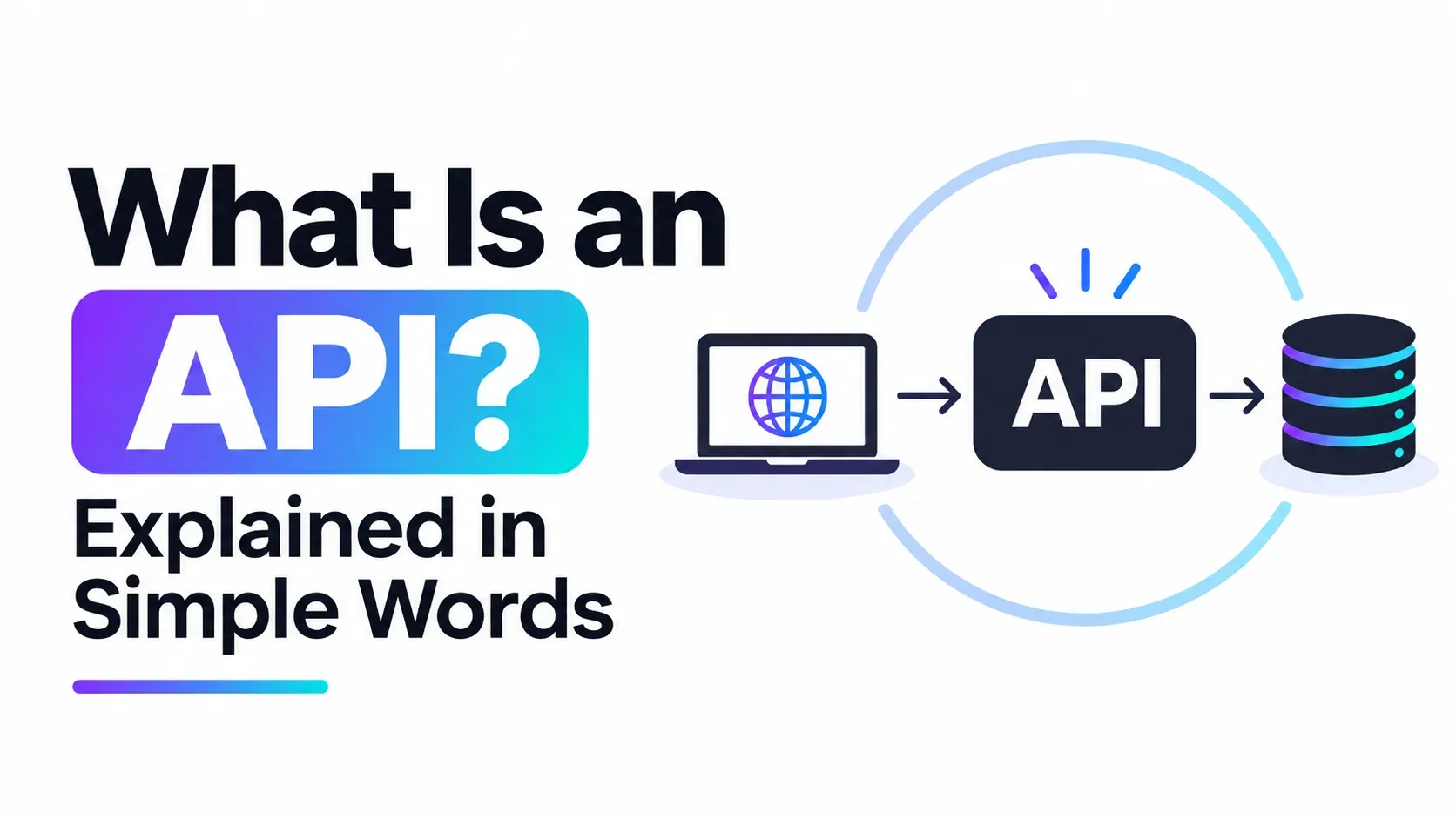
An API (Application Programming Interface) is a set of rules that lets one piece of software ask another piece of software for data or for an action. Think of it as a counter: you place a request, the system behind it does the work, and you get a response back, without ever seeing the machinery.
Key Takeaways
- An API is a go-between that lets two software systems talk to each other in an agreed format.
- Most web APIs work on a request and response pattern: you ask, the server answers, usually with data in JSON.
- You already use APIs when you pay online, see a map on a website or log in with Google.
- A REST API is one common style of web API, built around URLs and standard HTTP actions.
- An API key works like a password, so keep it out of public code, screenshots and AI chats.
What is an API in simple words?
An API is a way for two programs to talk without knowing how each other works inside. The letters stand for Application Programming Interface, and each word has a job to do.
Here is an everyday picture. You walk into a grocery shop and ask the shopkeeper for a kilo of rice. You never enter the godown (storeroom) yourself. The shopkeeper fetches it and hands it over.
In that picture:
- You are the app or website making a request.
- The shopkeeper at the counter is the API.
- The godown is the server, where the data and the real work live.
The counter also has rules. You can only ask for what the shop sells, and you have to ask in a way the shopkeeper understands. An API works the same way: it offers a fixed menu of things you can ask for.
MDN Web Docs, a widely used reference for web developers, describes APIs as constructs that hide complex code behind simpler syntax. That is exactly what the counter does: it hides the godown from you.
How does an API work, step by step?
Most web APIs follow a simple request and response pattern. The table below walks through one round trip.
Step | What happens | In the shop picture |
|---|---|---|
1. Client | Your app or website decides it needs something | You decide you need rice |
2. Request | It sends a message to the API's address (called an endpoint) | You ask at the counter |
3. Server | The system behind the API checks the request and does the work | The shopkeeper checks the godown |
4. Response | The server sends the result back, usually as data in JSON | You get the rice and a bill |
JSON is just a tidy text format that both sides can read. A weather request might look like this (the address is made up, for illustration only):
GET
And the answer might come back like this:
{ "city": "Kozhikode", "temperature_c": 31, "condition": "Partly cloudy"}
Your phone's weather app then turns that small bundle of data into the pretty icon you see. The app never needed to know how the weather service collects its readings.
What are real-life examples of APIs?
You use APIs all day, usually without noticing. These are some of the most familiar cases.
- Maps on a business website: a shop's "Find us" page asks a maps service for a map and shows it in a small box.
- Online payment checkout: the shopping site sends your order total to a payment service, and the service sends back "paid" or "failed".
- Login with Google: the site asks Google to confirm who you are, instead of building its own password system.
- WhatsApp messages from business tools: a business tool can send order updates through WhatsApp without someone typing each one by hand.
That last one is the case behind the vendor's remark in our opening. Meta explains that its WhatsApp Cloud API enables you to programmatically message and call on WhatsApp. "Programmatically" simply means software does it for you.
What is a REST API, and how is it different?
A REST API is one popular style of web API, not a different thing altogether. If "API" is the idea, "REST" is one common way to build it.
A REST API uses ordinary web addresses (URLs) and standard HTTP actions to work with data:
- GET asks for data, such as a list of products.
- POST sends new data, such as a new order.
- PUT updates something that already exists.
- DELETE removes something.
So when a tutorial says "build a REST API", it means building a counter that follows these familiar web conventions. If you later want to see what good design looks like, this guide to REST API best practices is a sensible next read.
What is an API key, and how do you keep it safe?
An API key is a long secret code that tells an API who is making the request. Many services give you one so they can track usage and block misuse.
Treat it like a password. If someone else gets your key, they can use the service as you, and you may be responsible for what happens.
Follow these habits from day one:
- Never paste an API key into a public website, a GitHub repository or a screenshot.
- Never paste a key, a password or customer data into an AI chat tool.
- Keep keys on the server side, not in code that runs in a visitor's browser.
- Create a new key straight away if you think one has leaked.
Point 3 matters more than it looks. Anything running in the visitor's browser can be inspected, so a key placed there is not really secret. This explanation of why API calls should go through your backend shows the safer pattern in a real example.
Why should marketers and beginners care about what an API is?
You do not need to be a developer to benefit from understanding APIs. The idea shows up across digital work.
- Marketers: ad platforms, email tools and analytics tools all connect through APIs, so knowing the idea helps you ask better questions of a developer or a vendor.
- Small business owners: when a vendor says a tool "has an API", it usually means it can connect to your other tools, such as your shop software or WhatsApp.
- Career starters: APIs are a core part of web development and of building with AI tools, so the term appears in many job descriptions.
None of this means you must write code tomorrow. It means the next time someone says "API", you can follow the conversation.
How can you try an API yourself?
The best way to make the idea stick is to touch one. You can start small and safe.
- Pick a free, public API that needs no key, such as a simple weather or joke service.
- Paste its address into your browser and look at the JSON that comes back.
- Change one part of the address, such as the city name, and watch the response change.
- When you are ready, learn to build your own. This walkthrough shows how to build a simple REST API with Node.js from scratch.
Stick to public APIs and follow each service's own rules. Never use an API in a way its terms do not allow.
Where can you learn APIs as a beginner?
You can learn APIs through free documentation, small practice projects or a structured course. Many beginners find that a mix works best: read a little, build a little, then repeat.
If you want guided practice, the full-stack course on building with APIs and AI lists topics such as Node.js, Django and REST APIs, and LLM integration. It is modular, so you can pick the blocks you need.
Whichever route you take, build something small that uses a real API. One working project teaches more than ten definitions.
Final thoughts on what an API is
So, what is an API? It is the counter between two pieces of software: a clear set of rules for asking and answering, so each side can do its job without knowing the other's inner workings.
Once you see that, many confusing tech phrases become easier to read. If you want to build these skills step by step, Milaaj Digital Academy in Kozhikode teaches digital marketing, SEO and AI skills to beginners. Until then, open one public API in your browser today and see the JSON for yourself.
Frequently Asked Questions
What does API stand for?
API stands for Application Programming Interface. It is a set of rules that lets one program request data or actions from another program, without needing to know how the other program works inside.
How does an API work in simple words?
Your app sends a request to the API's address. The system behind the API does the work and sends back a response, usually data in JSON. It is like asking a shopkeeper for an item and receiving it, without entering the storeroom.
What are real-life examples of APIs?
Common examples include maps shown on a business website, online payment checkouts, "Login with Google" buttons and business tools that send WhatsApp messages. You use APIs whenever one app quietly borrows a service from another.
What is an API key and why keep it private?
An API key is a secret code that identifies who is using an API. If it leaks, others can use the service as you. Keep it out of public code, screenshots and AI chats, and replace it quickly if you think it was exposed.
What is the difference between an API and a REST API?
An API is the general idea of one program talking to another. A REST API is a popular style of web API that uses standard URLs and HTTP actions such as GET and POST. Every REST API is an API, but not every API is REST.
Want to learn APIs the structured way?
Reading about APIs is a good start, but building with them is where it clicks. If you want guided practice and someone to ask when you get stuck, get in touch with the team and tell them what you want to build and where you are starting from.