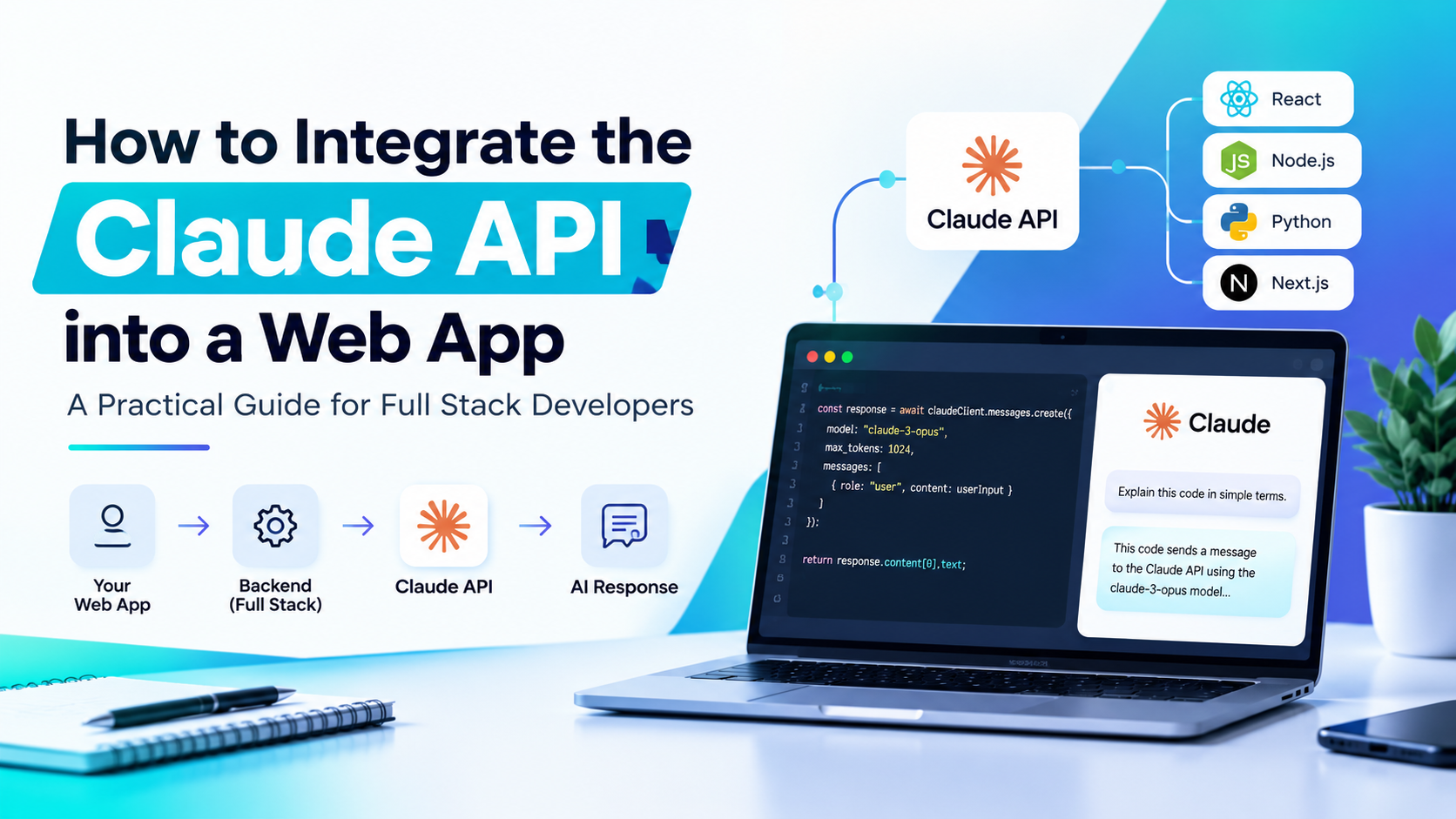
If you’ve been wanting to add AI-powered features to your web app, a chatbot, a content generator, a smart search bar, you’ve probably landed on Claude as a strong option, and for good reason. However, actually wiring it into a real, working application involves more than just copying a code snippet. In this guide, we’ll walk through exactly how to integrate the Claude API into a web app, covering setup, security, and the practical details most tutorials skip entirely.
What Is the Claude API, and Why Use It?
The Claude API, built by Anthropic, gives developers direct access to Claude’s language models through a straightforward HTTP endpoint. Rather than building your own AI infrastructure, you send a request containing a prompt, and Claude returns a generated response, text, structured data, or even tool-call instructions your app can act on.
Developers choose Claude for web app integration because it handles nuanced instructions well, supports long context windows for handling large documents, and offers strong reasoning capabilities for tasks like summarization, coding assistance, and customer support automation. Therefore, whether you’re building a simple chatbot or a complex agent-driven feature, Claude genuinely scales to match your app’s needs.
Before You Start: What You’ll Need
An Anthropic API Account
First, you’ll need to create an account on the Claude API platform and generate an API key, which authenticates every request your app sends.
A Backend Environment
Since API keys should never be exposed in frontend code, you’ll need a backend, Node.js, Python, or any server-side language, to securely handle requests to Claude on behalf of your users.
Basic Understanding of REST APIs
You don’t need to be an expert, but understanding how HTTP requests, JSON payloads, and responses work will make this integration significantly smoother.
Why You Should Never Call Claude Directly From the Frontend
This is genuinely one of the most important things to understand before writing any code. If you call the Claude API directly from your React, Vue, or vanilla JavaScript frontend, your API key becomes visible in the browser’s network requests, meaning anyone can steal it and rack up usage charges on your account. Therefore, every integration should route through your own backend server, which keeps your API key hidden and lets you add rate limiting, logging, and user authentication along the way.
How to Integrate the Claude API Into a Web App: Step by Step
Step 1: Set Up Your Backend Project
First, create a simple backend server using Node.js with Express, or Python with Flask or FastAPI, depending on your existing stack.
bash
mkdir claude-backendcd claude-backendnpm init -ynpm install express dotenv @anthropic-ai/sdk
Step 2: Store Your API Key Securely
Never hardcode your API key directly into your source files. Instead, store it in an environment variable using a .env file, and make sure that file is included in your .gitignore.
bash
ANTHROPIC_API_KEY=your-api-key-here
Step 3: Create a Backend Endpoint for Claude Requests
Next, build a simple Express route that accepts a message from your frontend, forwards it to Claude, and returns the response.
javascript
const express = require("express");const Anthropic = require("@anthropic-ai/sdk");require("dotenv").config();const app = express();app.use(express.json());const anthropic = new Anthropic({ apiKey: process.env.ANTHROPIC_API_KEY,});app.post("/api/chat", async (req, res) => { try { const { message } = req.body; const response = await anthropic.messages.create({ model: "claude-sonnet-4-5", max_tokens: 1000, messages: [{ role: "user", content: message }], }); res.json({ reply: response.content }); } catch (error) { console.error(error); res.status(500).json({ error: "Something went wrong" }); }});app.listen(3001, () => console.log("Server running on port 3001"));
Step 4: Connect Your Frontend to the Backend
Now, your frontend simply calls your own backend endpoint, never Claude directly, keeping your API key completely hidden from the browser.
javascript
async function sendMessage(userMessage) { const response = await fetch("http://localhost:3001/api/chat", { method: "POST", headers: { "Content-Type": "application/json" }, body: JSON.stringify({ message: userMessage }), }); const data = await response.json(); return data.reply;}
Step 5: Build a Simple Chat Interface
From here, you can build a basic chat UI in React, displaying the conversation history and sending new messages through your backend endpoint whenever the user submits input.
Adding Streaming Responses for a Better User Experience
Instead of making users wait for Claude’s entire response to generate before seeing anything, streaming lets you display text as it’s generated, token by token, creating a much more natural, responsive feel similar to Claude’s own chat interface.
javascript
const stream = await anthropic.messages.stream({ model: "claude-sonnet-4-5", max_tokens: 1000, messages: [{ role: "user", content: message }],});stream.on("text", (text) => { res.write(text);});
Therefore, implementing streaming genuinely improves perceived performance, even though the total response time remains roughly the same.
Best Practices When Integrating Claude Into Your Web App
Implement Rate Limiting
Since API usage is billed based on tokens processed, adding rate limiting on your backend prevents a single user from accidentally, or intentionally, running up excessive costs.
Store Conversation History Properly
If you’re building a chatbot, remember that Claude has no memory between requests. Therefore, you need to store and resend the full conversation history with each new message to maintain context.
Handle Errors Gracefully
API calls can fail due to network issues, rate limits, or invalid input. Consequently, wrapping your requests in proper error handling ensures your app degrades gracefully rather than crashing entirely.
Validate and Sanitize User Input
Before sending user messages to Claude, validate input length and content to prevent abuse and keep your API costs predictable.
Monitor Token Usage
Since longer conversations consume more tokens with each request, monitoring usage patterns helps you optimize costs, especially as your user base grows.
Common Use Cases for Claude API in Web Apps
- Customer support chatbots that answer questions using your product documentation.
- Content generation tools that help users draft emails, articles, or marketing copy.
- Code assistants embedded directly into developer tools or internal platforms.
- Document summarization features that condense long reports or contracts into key points.
- Smart search interfaces that understand natural language queries rather than just keyword matching.
Troubleshooting Common Integration Issues
“Invalid API Key” Errors
Double-check that your environment variable is loading correctly and that there are no extra spaces or quotation marks accidentally included in your .env file.
Slow Response Times
If responses feel sluggish, consider implementing streaming, as covered earlier, so users see partial output immediately rather than waiting for the complete response.
Unexpected Token Limit Errors
If your conversation history grows too large, you may hit context window limits. Therefore, consider trimming older messages or summarizing earlier parts of long conversations.
Taking Your Integration Skills Further
Successfully connecting a basic chat endpoint is a great first step, but building production-ready AI features, with proper authentication, database-backed conversation history, and scalable architecture, requires a stronger foundation in full stack development. If you’re serious about building real, deployable applications rather than isolated demos, exploring a structured full stack development course with AI integration can help you connect these concepts to genuinely production-ready projects.
Additionally, since AI-powered features increasingly influence how users discover and interact with web content, understanding how SEO and AI search strategies intersect with modern web development gives you a broader perspective on building applications that perform well both technically and in search visibility.
Final Thoughts
At the end of the day, learning how to integrate the Claude API into a web app isn’t particularly complicated once you understand the core pattern: keep your API key on the backend, structure your requests properly, and handle responses thoughtfully on the frontend. Whether you’re building a simple chatbot or a more complex AI-driven feature, this foundation genuinely sets you up to build reliable, secure, and scalable applications powered by Claude.
Frequently Asked Questions (FAQs)
1. Can I call the Claude API directly from my frontend code?No, doing so exposes your API key publicly. Always route requests through a backend server to keep your key secure.
2. Do I need a paid Anthropic account to use the Claude API?Usage is typically billed based on tokens processed, though new accounts often receive starting credits to experiment with before committing to paid usage.
3. How do I maintain conversation context across multiple messages?Since Claude doesn’t retain memory between requests, you need to store and resend the full conversation history with each new API call.
4. Which backend language works best for integrating the Claude API?Node.js and Python are the most commonly used, thanks to official SDKs, but any backend language capable of making HTTP requests can integrate with the API.
5. Is streaming necessary for a good user experience?It’s not strictly required, but streaming significantly improves perceived responsiveness, especially for longer AI-generated responses in chat interfaces.