You open your laptop to complete one task. Ten minutes later, fifteen tabs compete for your attention. Notifications blink. Context shifts. Focus fades.
This is the hidden tax of modern digital work.
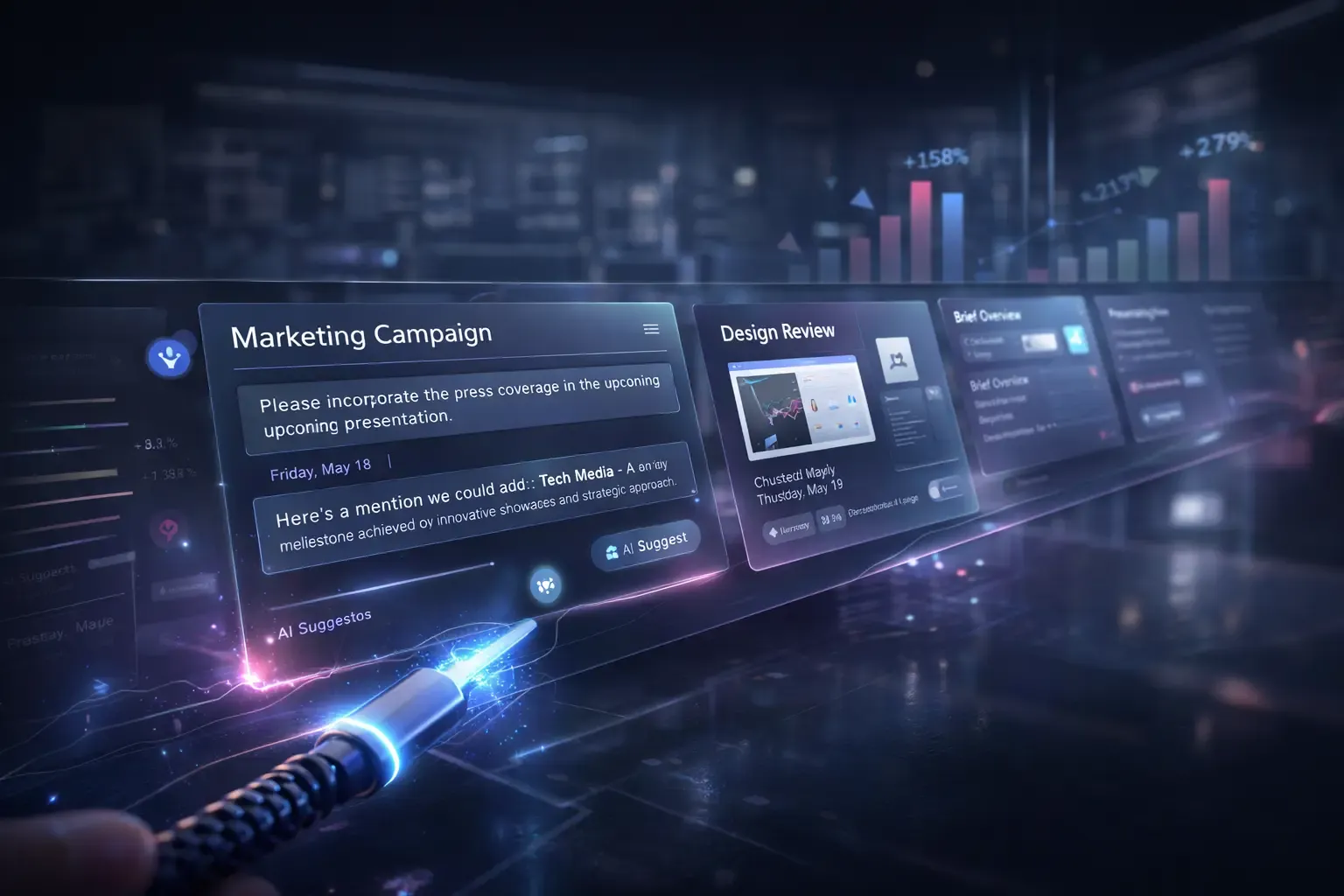
Work Without Tabs introduces a radically different model. Instead of jumping between windows, apps, and browser tabs, you operate inside one continuous surface where micro-tasks appear exactly when needed. No switching. No fragmentation. No digital clutter.
This approach changes how we think about productivity, interface design, and digital focus.
What Is Work Without Tabs?
Work Without Tabs is a productivity and UX concept where micro-tasks live inside one unified, continuous interface instead of being distributed across multiple windows or applications.
Rather than:
- Opening multiple tabs
- Switching between software tools
- Searching for buried documents
- Losing track of workflow context
You interact with:
- Embedded task modules
- Inline data previews
- Context-aware AI suggestions
- Seamless transitions within a single digital surface
The system reduces friction by eliminating unnecessary context switching.
Why Tabs Destroy Deep Work
Tabs were designed to organize information. Ironically, they often create chaos.
1. Cognitive Overload
Each tab represents unfinished mental context. Your brain keeps partial threads open.
2. Constant Context Switching
Every switch forces your brain to reload task memory.
3. Hidden Attention Drain
Even inactive tabs reduce mental clarity because you know they exist.
Research consistently shows that context switching reduces productivity and increases error rates. A tabless workflow removes this invisible drag.
The Micro-Task Revolution
Instead of structuring work around large applications, Work Without Tabs structures work around micro-tasks.
A micro-task is:
- A small, clearly defined action
- Embedded inside your current workflow
- Context-aware and lightweight
- Executable without leaving the surface
For example:
- Reply to a client message inline
- Approve a document without opening a new window
- Edit a line item directly within a dashboard
- Generate a report snippet without navigating away
Each action stays within the same interface layer.
This design makes productivity feel fluid rather than fragmented.
How a Continuous Surface Works
A continuous interface design removes artificial boundaries between tools.
Key Components
Context Awareness
The system understands what you are doing and surfaces relevant micro-tasks automatically.
Layered Depth Instead of Windows
Instead of opening a new tab, the interface expands or layers content within the same environment.
Embedded Intelligence
AI assists inline instead of redirecting you to separate tools.
Persistent Flow
Your workflow scrolls forward rather than branching sideways.
The result feels less like “opening apps” and more like “moving forward.”
Work Without Tabs in Real-World Scenarios
1. Sales Teams
A CRM dashboard shows a client profile. Instead of opening email or proposal software:
- Draft responses inline
- Update pipeline stages instantly
- Generate proposals within the same view
No tab switching required.
2. Developers
Rather than bouncing between documentation, IDE, and issue trackers:
- View documentation snippets embedded in code
- Resolve tickets inline
- Preview outputs within the same surface
3. Marketing Teams
Content planning, analytics, and publishing tools merge into one continuous workflow where micro-tasks replace tool-hopping.
This unified interface system eliminates digital friction.
Benefits of Work Without Tabs
1. Reduced Context Switching
You remain in flow state longer.
2. Higher Cognitive Clarity
Fewer open mental threads improve decision-making.
3. Faster Task Completion
Micro-task productivity increases because friction disappears.
4. Better Focus Retention
Focus-driven UX keeps attention anchored.
5. Lower Tool Fatigue
You stop juggling platforms and start progressing smoothly.
Over time, these gains compound significantly.
The Role of AI in Tabless Workflows
Artificial intelligence makes Work Without Tabs practical.
AI enables:
- Predictive task surfacing
- Inline content generation
- Smart autofill and suggestions
- Dynamic workflow adjustments
Instead of manually searching for tools, the system anticipates what you need next.
This shifts productivity from reactive to proactive.
Designing for Single Surface Computing
Building a seamless digital workspace requires careful UX strategy.
Principles of Continuous Interface Design
Minimize Visual Noise
Clutter destroys the continuous surface illusion.
Prioritize Context Over Navigation
Navigation bars become secondary. Context becomes primary.
Make Transitions Invisible
Users should feel progression, not switching.
Support Micro-Task Momentum
Tasks should be completable within seconds.
The design goal is simple: reduce friction at every micro interaction.
Challenges of Implementing Work Without Tabs
Despite its advantages, the model presents challenges.
1. Overloading the Surface
Too many embedded elements can recreate clutter.
2. Poor Context Awareness
If AI misjudges relevance, productivity drops.
3. Learning Curve
Users accustomed to tabs may initially feel constrained.
Smart architecture and thoughtful interface design solve these issues.
The Psychological Shift
Work Without Tabs is not just a design trend. It represents a cognitive shift.
Instead of multitasking across environments, users engage in:
- Linear progression
- Intentional task flow
- Focused completion cycles
This aligns with how human attention naturally operates.
Is the Browser Tab Becoming Obsolete?
Tabs will not disappear overnight. However, digital work trends point toward:
- Embedded workflows
- AI-driven task orchestration
- Unified productivity surfaces
- Frictionless micro-task execution
The future likely blends minimal navigation with intelligent task surfacing.
The tab may survive. But it may no longer dominate.
Frequently Asked Questions (Optimized for Snippets)
What is Work Without Tabs?
Work Without Tabs is a productivity and UX model where micro-tasks occur inside one continuous interface instead of across multiple browser tabs or applications.
How does Work Without Tabs improve productivity?
It reduces context switching, lowers cognitive load, and keeps users inside a seamless workflow, allowing faster micro-task completion.
What are micro-tasks in digital workflows?
Micro-tasks are small, focused actions embedded within a continuous surface, enabling users to complete work without navigating away.
Is Work Without Tabs powered by AI?
Yes. AI often powers context awareness, predictive task suggestions, and inline automation within a tabless workflow.
Will tabs disappear in the future?
Tabs may remain, but modern interface design increasingly favors continuous surfaces and unified systems that reduce digital fragmentation.
Final Thoughts
The modern workplace does not suffer from a lack of tools. It suffers from fragmentation.
Work Without Tabs reimagines productivity by bringing micro-tasks into one continuous surface. Instead of opening more windows, you move forward inside one seamless flow.
Less switching.More clarity.Faster output.
And perhaps most importantly, deeper focus.