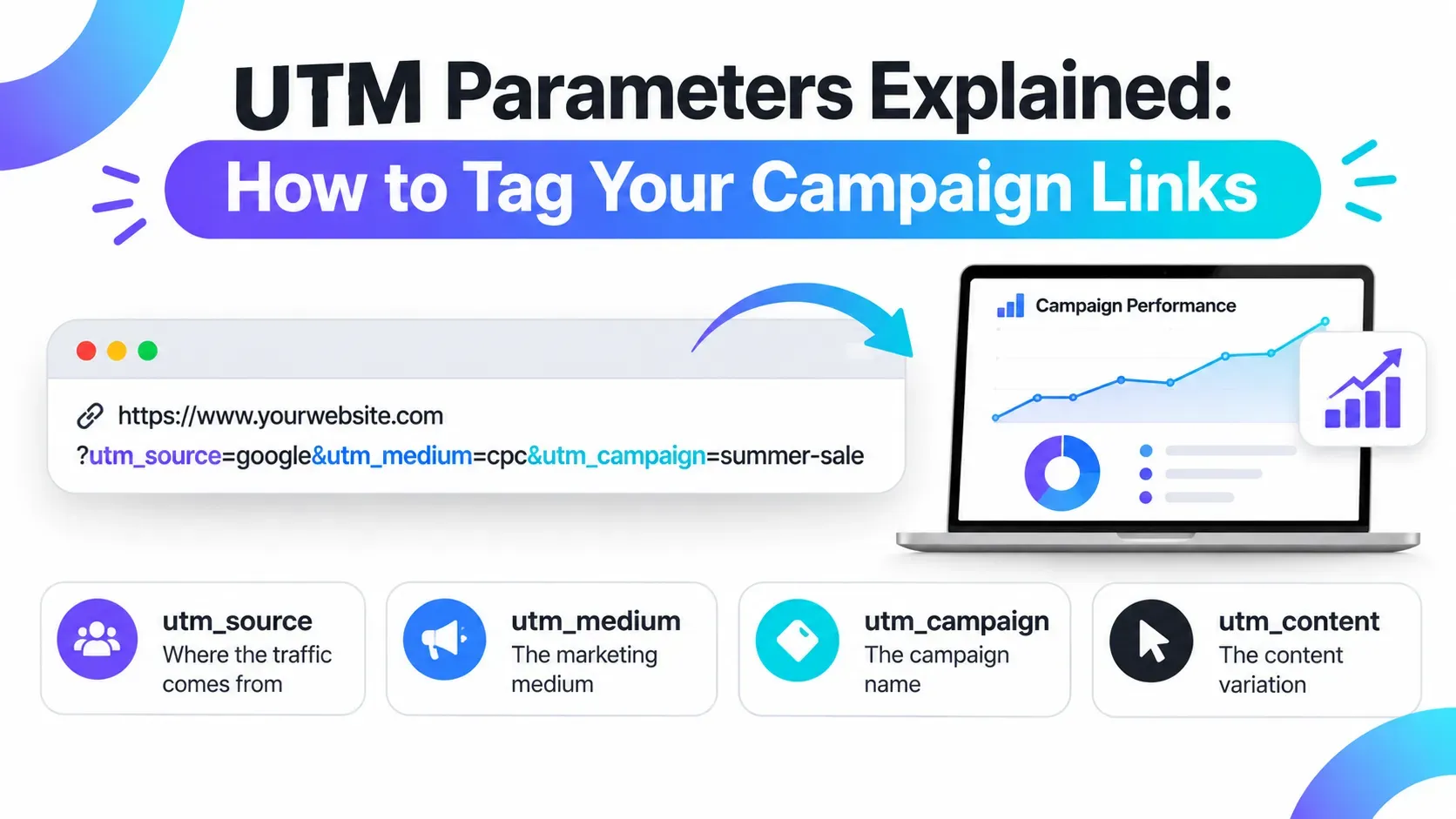
A small cafe shares the same weekend offer in three places: the Instagram bio, a WhatsApp broadcast and an email newsletter. On Monday, the owner opens the website reports and sees visitors. But which of the three brought them?
UTM parameters answer that question. This guide explains what they are, what each one means and how to tag your own links, so you can see which of your posts and messages actually bring people in.
Quick Answer
UTM parameters are short tags added to the end of a link. They tell your analytics tool where a visit came from, such as the source, medium and campaign. Google recommends always using utm_source, utm_medium and utm_campaign. Tagged links let you compare posts, emails and ads fairly.
Key Takeaways
- UTM parameters are tags on a link that label where a visit came from.
- Always use three: source, medium and campaign.
- Values are case sensitive, so keep your spelling consistent.
- If tags are missing, reports show "(not set)" instead of the detail you wanted.
What are UTM parameters?
A normal link takes people to a page. A tagged link takes them to the same page, but carries a little extra information about where the click came from.
Here is the same link, first untagged and then tagged:
The tagged version breaks down like this:
- The question mark marks the start of the tags.
- Each tag is a name and a value, such as utm_source=instagram.
- An ampersand (&) joins one tag to the next.
The visitor sees the same page either way. Your analytics tool reads the tags and records them. If you have not set up GA4 yet, start with this guide to setting up GA4 from scratch.
What do the six UTM parameters mean?
There are six UTM parameters in total. Three are the core set, and three are optional extras. This table shows what each one tells you.
Parameter | What it tells you | Example | Use it? |
|---|---|---|---|
utm_source | Where the visit came from | google, newsletter4, billboard | Always |
utm_medium | The kind of channel used | cpc, banner, email | Always |
utm_campaign | The product, slogan or promotion | spring_sale | Always |
utm_id | An ID for one specific campaign | A campaign ID you already use | Optional, but strongly recommended by Google |
utm_term | The paid keyword | A keyword you bid on | Optional |
utm_content | Which version of a link was clicked | Two buttons in one email | Optional |
Think of the three core tags as three questions: where, how and why. Source is where the visitor came from. Medium is how you reached them. Campaign is why you reached out.
How do you build a tagged link step by step?
You can type a tagged link by hand, but a builder is safer. Google explains how this works in its guidance on campaign URL builders. Follow these steps:
- Choose the page you want people to land on, and copy its full link.
- Fill in the source, such as instagram.
- Fill in the medium, such as social.
- Fill in the campaign, such as weekend_offer.
- Add optional tags only if you need them.
- Copy the finished link and click it once, to check it opens the right page.
Google notes that the tags can go in any order, so you do not need to worry about which comes first.
How should you name your UTM values?
Clear names make your reports easy to read later. Google points out that values are case sensitive, so utm_source=google and utm_source=Google are treated as different.
Here are simple habits that keep your data tidy:
- Use lowercase for everything.
- Avoid spaces. Use an underscore or hyphen instead.
- Pick one spelling for each channel and stick to it.
- Keep campaign names short but clear.
This table shows messy values next to clean ones:
Messy (splits your data) | Clean (one row in reports) |
|---|---|
Instagram, instagram, insta | |
Email, e-mail, Newsletter | |
Weekend Offer, weekend-offer, WeekendOffer | weekend_offer |
What does tagging look like for a small business in Kerala?
Back to the cafe. The owner uses the same campaign name for all three links, and changes only the source and medium. That way, the three results can be compared fairly.
Where the link is shared | utm_source | utm_medium | utm_campaign |
|---|---|---|---|
Instagram bio | social | weekend_offer | |
WhatsApp broadcast | message | weekend_offer | |
Email newsletter | newsletter | weekend_offer |
After the weekend, the owner can see which source sent the most visitors. That helps decide where to spend time next week.
Tagging tells you where visitors came from. To see what they did on your site, this guide on tracking WhatsApp button clicks in GA4 is the natural next step.
Where do you see UTM data in GA4?
Your tags appear in GA4's acquisition reports. Google describes the path as Reports, then Acquisition, then Traffic acquisition. Follow these steps:
- Open your GA4 property.
- Go to Reports, then Acquisition, then Traffic acquisition.
- Look for the dimensions Session source / medium and Session campaign, which Google lists for this report.
- Compare your sources for the same campaign.
The report opens with a grouping called default channel grouping, so switch to the source and medium view to see your own tags. If you would like guided practice with reports like this later, a digital marketing course that covers GA4 reporting is one option.
What are the most common UTM mistakes?
Most problems come from small inconsistencies. Watch out for these:
- Mixed capital letters. The same source written two ways creates two rows.
- Spaces in values. They can break or garble a link.
- Changing campaign names halfway. You split one campaign into two.
- Leaving tags off some links. Google says missing parameters show up as "(not set)" in reporting.
- Putting personal details in tags. Never add names, phone numbers or email addresses.
That last point matters. Google asks that personally identifiable information (details that can point to one real person) is kept out of campaign parameters such as utm_source and utm_campaign. You can read Google's advice on avoiding personal information in analytics for the full guidance.
Want to practise campaign tracking with guidance?
Many beginners learn UTM tagging from free guides and practise on their own posts. Others like a clear order and feedback. Both routes are valid.
If you want guidance, Milaaj Digital Academy is one place to start. Either way, results come from regular practice.
Frequently Asked Questions
What are UTM parameters?
UTM parameters are short tags added to the end of a link. They carry labels such as source, medium and campaign. When someone clicks, your analytics tool reads the labels and records where the visit came from.
Which UTM parameters should I always use?
Google recommends always using three: utm_source, utm_medium and utm_campaign. They tell you where the visit came from, which channel it used and which promotion it belongs to. The other three, utm_id, utm_term and utm_content, are optional extras.
Are UTM parameters case sensitive?
Yes. Google says utm_source=google and utm_source=Google are different values. If you mix capital and small letters, the same channel can show up as two rows in your reports. Choose lowercase and use it every time.
What happens if I leave out UTM parameters?
Your reports lose detail. Google says missing UTM parameters result in "(not set)" values in reporting. That means you can see that visits happened, but not the source, medium or campaign behind them.
How do I see UTM data in GA4?
Open GA4 and go to Reports, then Acquisition, then Traffic acquisition. Use the dimensions Session source / medium and Session campaign to see your tags. Compare the sources inside one campaign to learn which link brought the most visitors.
Your next step
So, what do UTM parameters do for you? They turn a pile of anonymous clicks into a clear answer about what worked. Tag your next link with a source, a medium and a campaign, keep the names tidy and check the result in GA4.
If you have questions about learning digital marketing, you can get in touch with the team.