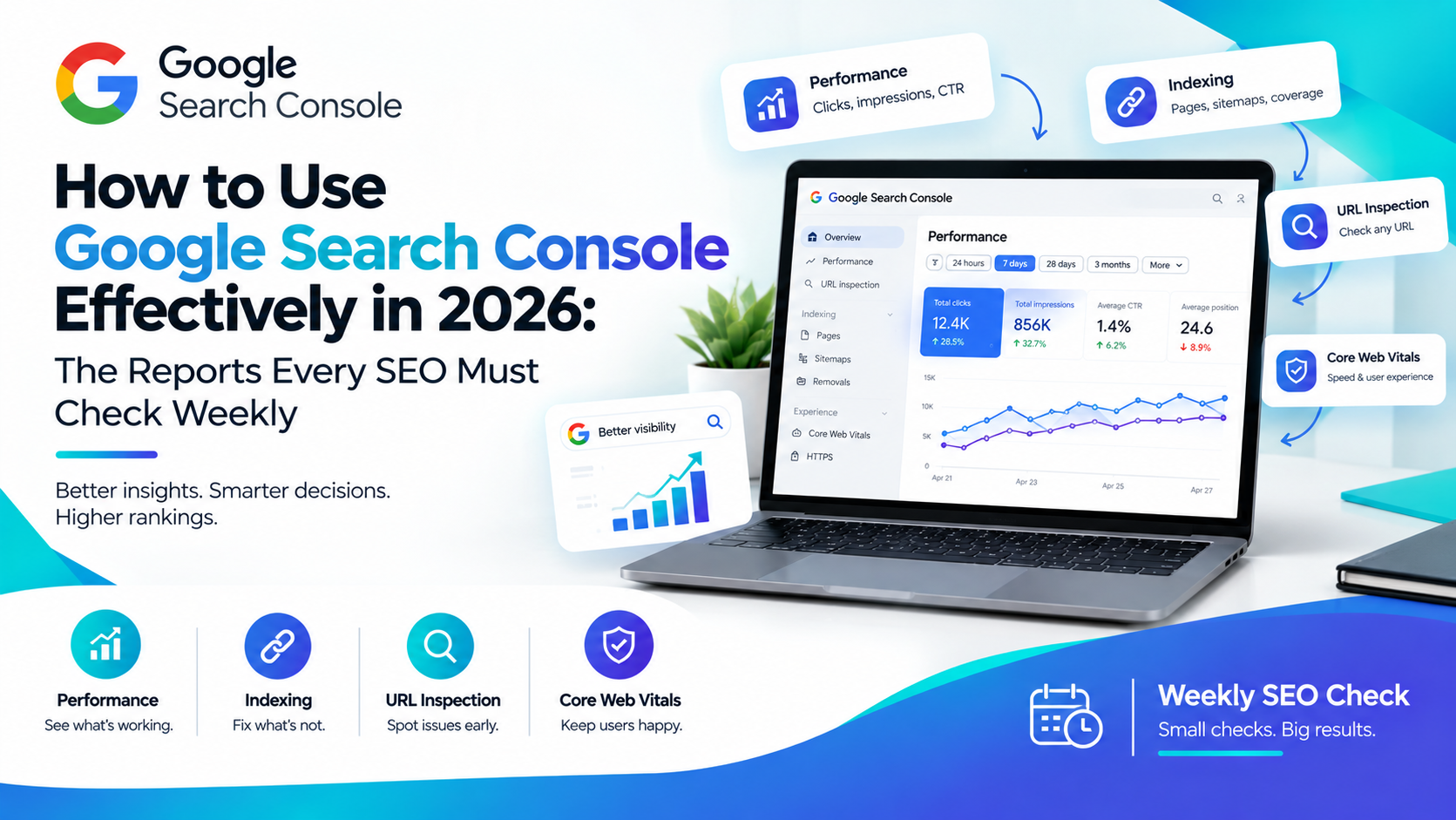
Most SEOs open Google Search Console once, panic slightly at all the tabs, and then only come back when traffic suddenly drops. That habit is exactly why so many sites lose visibility they never even notice slipping away. If you want to genuinely use Google Search Console effectively in 2026, you need a weekly routine, not a once-a-month glance. Let's walk through exactly which reports deserve your attention and why each one matters right now.
Why Google Search Console Still Matters More Than Ever
Search results have changed dramatically, and honestly, that makes this free tool more important, not less.
Search Results Aren't Just Ten Blue Links Anymore
Google now surfaces AI Overviews and AI Mode responses directly inside search results, often before a user ever scrolls down to traditional listings. Search Console has expanded alongside this shift, and its Performance report now includes visibility data for these AI-driven features, not just classic organic rankings. If you want to use Google Search Console effectively going forward, checking this AI visibility data weekly is no longer optional, it's how you catch whether your content still gets surfaced at all.
The Performance Report: Your Weekly Traffic Reality Check
This is the report most SEOs already check, but many still read it wrong.
Clicks, Impressions and CTR: What Each Number Actually Tells You
Clicks tell you how many people actually visited your site, while impressions show how often your pages appeared in search results, regardless of whether anyone clicked. Click-through rate connects the two, and a low CTR alongside high impressions usually points to a weak title tag or meta description rather than a ranking problem. Meanwhile, average position tells you roughly where you're showing up, though it's worth remembering this number blends both strong and weak query performance together.
Don't Skip the New AI Overviews and AI Mode Data
Filter your Performance report by search type to separate traditional results from AI-generated features. If your impressions in AI Overviews are climbing while clicks stay flat, that's valuable information, since it means Google is citing your content without necessarily sending traffic your way. Spotting this pattern early lets you adjust your content strategy before it quietly erodes a bigger chunk of your traffic.
The Page Indexing Report: Catch Problems Before They Cost You Traffic
A page that isn't indexed can't rank, no matter how good the content is, so this report deserves a weekly look, not an occasional one.
Common Reasons Pages Get Excluded
Pages often get excluded due to duplicate content issues, noindex tags left in by mistake, crawl errors, or simply because Google hasn't gotten around to crawling them yet. Checking this report weekly means you catch a newly published page sitting unindexed for weeks, rather than discovering the problem months later when you finally wonder why it never got any traffic.
Core Web Vitals Report: Because Speed Still Decides Rankings
Page experience remains a real ranking factor, and this report breaks down loading speed, responsiveness, and visual stability across your site. A handful of slow pages can quietly drag down your overall Core Web Vitals score, so reviewing this weekly helps you catch a regression right after a site update, rather than months later when it's tangled up with a dozen other changes.
The Links Report: Understanding Who Points to You
Your backlink profile shifts constantly, whether you're actively building links or not. This report shows both external sites linking to you and your internal linking structure, and reviewing it regularly helps you spot new high-value backlinks worth leveraging, as well as internal linking gaps on pages that deserve more visibility from within your own site. Strong internal linking, in particular, is something many sites overlook entirely, even though it's one of the easiest levers to pull.
Manual Actions and Security Issues: The Reports You Hope Stay Empty
These two reports rarely have anything to show, and that's exactly the point. A manual action means Google has identified a policy violation on your site, while security issues flag hacked content, malware, or deceptive pages. Checking both weekly costs you thirty seconds, but catching one of these early, rather than a month later, can be the difference between a quick fix and a serious traffic collapse.
URL Inspection Tool: Your Go-To for Fixing One Page Fast
When something looks off with a specific page, the URL Inspection tool tells you exactly how Google sees it, including its indexing status, the canonical URL Google chose, and any crawl issues attached to it. After publishing a new page or making significant edits to an existing one, running it through this tool and requesting reindexing helps Google pick up your changes faster instead of waiting for the next natural crawl cycle.
A Simple Weekly Google Search Console Checklist
To make this genuinely sustainable, run through these five checks every single week: scan the Performance report for sudden click or impression drops, glance at AI Overviews visibility data, check the Page Indexing report for newly excluded pages, confirm Core Web Vitals haven't regressed, and quickly verify that Manual Actions and Security Issues both remain empty. None of this takes more than fifteen minutes, yet it catches the vast majority of problems while they're still small and cheap to fix.
If you're still building confidence with these reports, our SEO & AI Search course walks through Search Console analysis step by step, alongside the broader technical SEO skills that pair with it.
Frequently Asked Questions
How often should I actually check Google Search Console?
Weekly checks catch most problems while they're still minor and easy to fix. Daily monitoring works too if your site publishes frequently, but weekly is the realistic minimum to use Google Search Console effectively without it becoming a burden.
Why do my impressions increase while clicks stay flat?
This often happens when your content appears inside AI Overviews or AI Mode responses, where users get their answer without clicking through. It can also signal a weak title tag or meta description that isn't convincing users to click despite ranking well.
What's the difference between the Performance report and Google Analytics?
Search Console shows how your site performs specifically within Google Search, including queries, clicks, and impressions before a visit happens. Analytics tools track behavior after someone lands on your site, so the two work best together rather than as substitutes for each other.
Why isn't my new page showing up in the Page Indexing report yet?
Newly published pages sometimes take a few days to get crawled and indexed, especially on larger sites. If it's been longer than a week, use the URL Inspection tool to check for specific errors and request indexing manually.
Can Google Search Console show me how I rank in AI Overviews?
Yes, as of recent updates, the Performance report includes visibility data for AI Overviews and AI Mode alongside traditional search results, letting you filter and compare how your content performs across both experiences.
Learning to use Google Search Console effectively isn't about memorizing every report that exists, it's about building a short, consistent weekly habit around the ones that actually move the needle. Start with the five checks above, stay consistent, and you'll catch the kind of problems that quietly cost other sites their traffic long before they ever show up as a real crisis. For more practical SEO breakdowns like this one, explore our digital marketing insights for strategies you can put to use the same week you read them.