A slow website doesn’t just feel frustrating. It quietly pushes people away.
You click a link, wait a few seconds, and nothing happens. Maybe the layout jumps around. Maybe buttons don’t respond instantly. Most of us don’t analyze it, we just leave and try another result.
That’s exactly what your visitors do too.
In 2026, website speed is no longer just a technical concern sitting in the background. It’s a direct ranking factor, a major part of user experience, and often the difference between someone staying on your site or bouncing within seconds.
Search engines like Google are now focused on real-world performance, not just technical scores. They care about how fast your website feels, not just how fast it loads in ideal conditions.
The good news is you don’t need to be a developer to start seeing improvements. Small, consistent optimizations can create noticeable results over time.
Let’s break everything down step by step.
What Is Website Speed in SEO and Why It Matters More Than Ever
Website speed refers to how quickly your web pages load and become usable for visitors.
But in modern SEO, it goes beyond just loading time. It includes:
- how quickly meaningful content appears on screen
- how fast users can interact with buttons, links, and forms
- how stable the layout feels while loading
For example, if a page shows content quickly but shifts unexpectedly, users still experience frustration.
That’s why Google now evaluates speed based on user experience signals, not just technical performance metrics.
In simple terms, website speed is about how your site feels to real people, not just how it performs in a test.
What Are Core Web Vitals in Google Ranking Factors
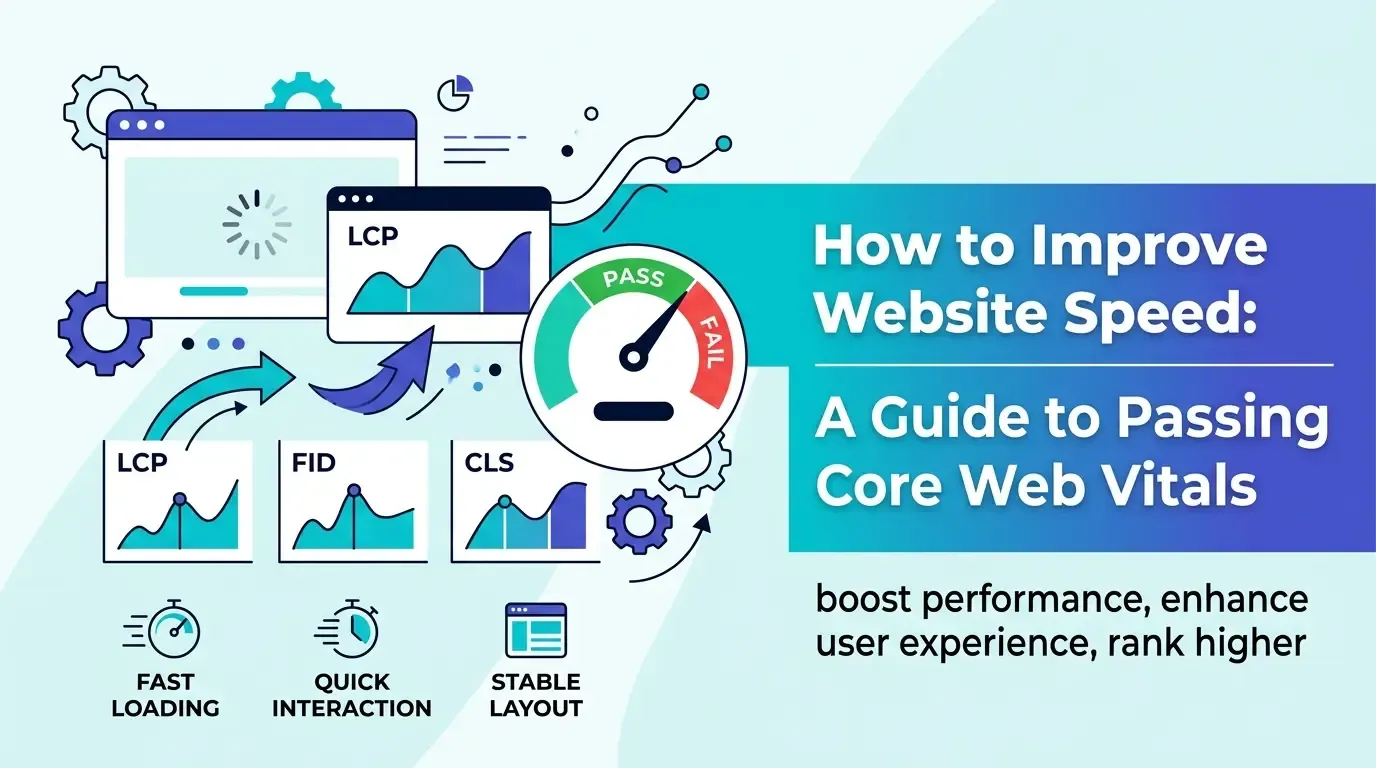
Core Web Vitals are a set of standardized metrics introduced by Google to measure real user experience.
They focus on three key areas of performance:
- Largest Contentful Paint (LCP): measures how quickly the main content loads. A good score is under 2.5 seconds.
- Interaction to Next Paint (INP): measures how responsive your website is when users interact with it.
- Cumulative Layout Shift (CLS): measures visual stability and prevents unexpected layout movement.
Together, these metrics give a clear picture of how users experience your site in real time.
They are also part of Google’s broader page experience update, meaning they directly influence search rankings.
Why Website Speed Is Important for SEO, Traffic, and Conversions
A fast website doesn’t just improve rankings. It improves everything.
Here’s how speed impacts your website performance:
- users stay longer and explore more pages
- bounce rates decrease significantly
- conversion rates improve because interactions feel smoother
- search rankings improve due to better experience signals
Even a small delay of one second can reduce engagement noticeably.
Think about it this way. If your competitor’s site loads faster, users are more likely to stay there, even if your content is better.
That’s why website speed optimization is now a core part of any successful SEO strategy.
How to Test Website Speed Using Free Tools
Before making changes, you need to measure your current performance.
Here are some of the most reliable tools available:
- Google PageSpeed Insights gives a quick overview along with Core Web Vitals data
- Google Lighthouse provides detailed reports for performance and technical issues
- GTmetrix offers visual insights into how your page loads
What you should focus on
- LCP under 2.5 seconds
- INP under 200 milliseconds
- CLS below 0.1
- opportunities for improvement
- diagnostics and suggestions
Instead of trying to fix everything at once, prioritize high-impact issues first.
15 Proven Ways to Improve Website Speed and Performance
Improving website speed doesn’t require a complete redesign. In most cases, it’s about fixing key bottlenecks.
Let’s go through practical steps that make a real difference.
Optimize and Compress Images for Faster Loading
Images often make up the largest portion of a webpage.
- compress images before uploading
- use modern formats like WebP
- resize images based on display size
This alone can significantly improve load time.
Enable Lazy Loading for Images and Videos
Lazy loading ensures that media loads only when needed.
This reduces initial page load time and improves performance, especially on long pages.
Minify CSS, JavaScript, and HTML Files
Removing unnecessary characters from code reduces file size.
Smaller files load faster and improve rendering speed.
Use a Content Delivery Network (CDN)
A CDN distributes your website across multiple servers worldwide.
Users access content from the nearest server, reducing latency.
Improve Server Response Time and Hosting Quality
Your hosting provider directly affects performance.
- choose fast and reliable hosting
- reduce backend processing delays
- optimize database queries if needed
Enable Browser Caching for Better Repeat Visits
Caching allows returning users to load your site faster.
It stores static resources in the browser, reducing repeated downloads.
Remove Unused CSS and JavaScript Code
Unused code increases load time without adding value.
Cleaning it up improves efficiency.
Limit Third-Party Scripts and External Integrations
External scripts like ads, trackers, and widgets can slow your site.
Use only what’s necessary.
Optimize Fonts for Better Performance
Fonts can delay rendering if not optimized.
- limit font weights
- preload key fonts
- avoid multiple font families
Use Preloading for Critical Resources
Preloading helps browsers prioritize important content.
This improves perceived loading speed.
Reduce Redirect Chains and Improve URL Structure
Each redirect adds extra loading time.
Keep URLs simple and direct.
Optimize Website Speed for Mobile Devices
Mobile users often experience slower connections.
- reduce heavy elements
- simplify layouts
- test performance on real devices
Use Lightweight Themes and Clean UI Design
Heavy themes add unnecessary code.
A clean design loads faster and performs better.
Enable File Compression (Gzip or Brotli)
Compression reduces file size before delivery.
This leads to faster loading times.
Perform Regular Website Speed Audits
Website performance is not a one-time task.
Regular audits help maintain and improve speed over time.
Common Website Speed Optimization Mistakes to Avoid
Many websites struggle with performance due to simple, avoidable mistakes.
Here are some of the most common ones:
- uploading high-resolution images without compression
- using too many plugins or scripts
- ignoring mobile optimization
- not testing performance after updates
- focusing only on visual design instead of usability
Avoiding these mistakes can lead to immediate improvements.
Mobile Website Speed Optimization for Better SEO Rankings
Mobile-first indexing means Google primarily evaluates your mobile site.
So mobile performance is critical.
Focus on:
- responsive design that adapts to screen sizes
- fast loading even on slower networks
- minimal popups and distractions
- smooth navigation and touch interactions
A fast mobile experience improves both rankings and user satisfaction.
How Website Speed Impacts User Experience and Engagement
Speed shapes how users perceive your website.
A fast website feels:
- smooth and easy to navigate
- trustworthy and professional
- efficient and reliable
A slow website creates frustration and reduces engagement.
Even great content can’t perform well if users leave before experiencing it.
Balancing Website Design and Speed Optimization
You don’t need to sacrifice design to improve speed.
Instead, focus on balance.
- use clean and simple layouts
- avoid excessive animations
- prioritize usability over complexity
In most cases, simpler websites perform better and convert more effectively.
Final Thoughts
Improving website speed isn’t about chasing perfect scores or trying to fix everything at once.
It’s about creating a better experience for real users.
Start with the basics. Focus on the biggest issues. Then improve gradually over time.
If you want to understand how website speed fits into the broader SEO strategy, this beginner-friendly guide to SEO helps connect performance optimization with overall search visibility.
And if you’re looking to build practical, real-world skills, Milaaj Digital Academy focuses on helping learners apply these concepts beyond theory.
As you continue optimizing, you’ll notice improvements not just in speed, but in engagement, rankings, and results.
FAQs
What is a good website speed?
A good website loads within 2–3 seconds and meets Core Web Vitals benchmarks.
Do Core Web Vitals affect SEO rankings?
Yes, they are part of Google’s ranking signals and impact search visibility.
What slows down a website the most?
Large images, poor hosting, and excessive scripts are common causes.
How often should I check website speed?
Check regularly, especially after updates or redesigns.
Can I improve website speed without coding?
Yes, many optimizations like image compression and caching require no coding.