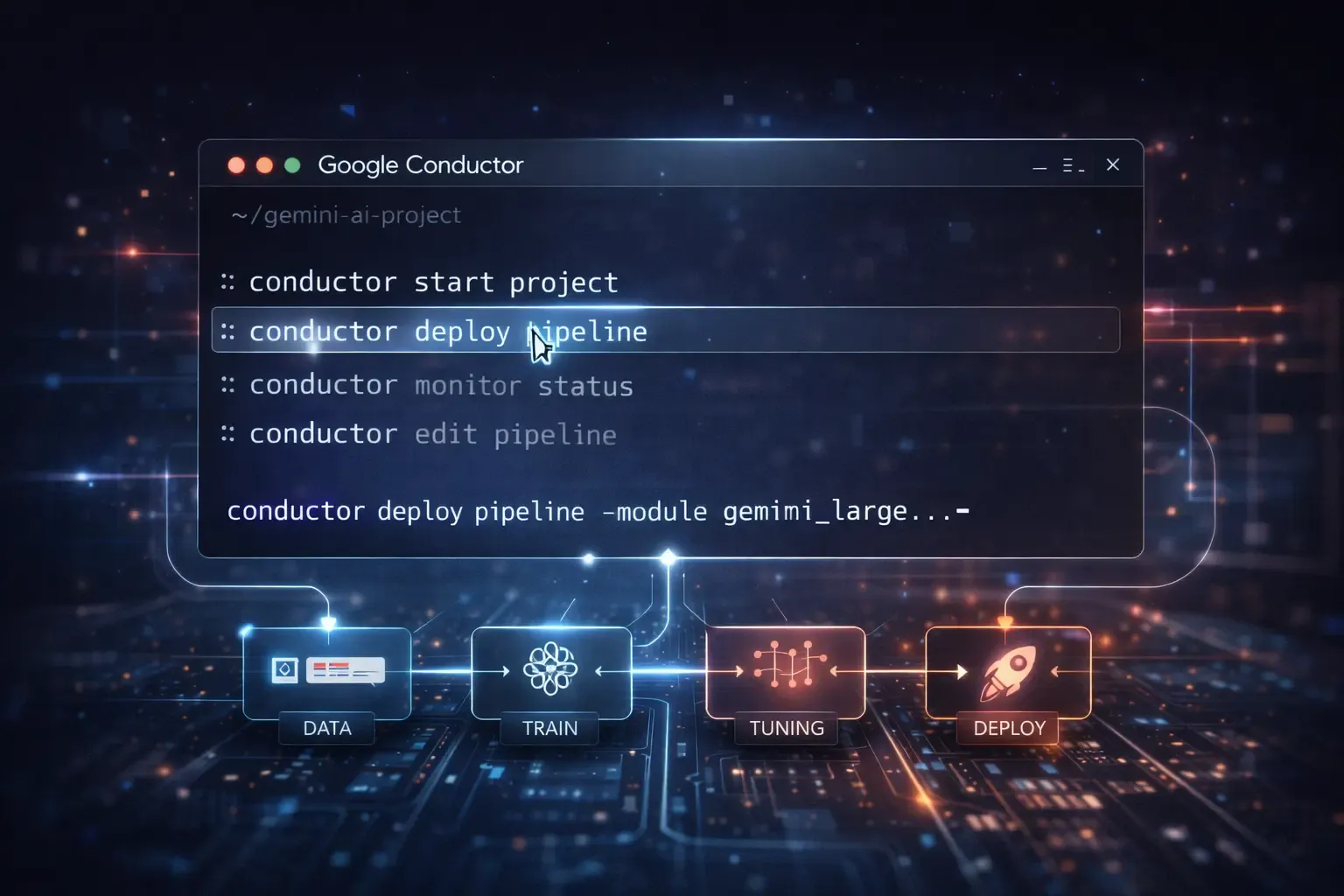
Managing complex AI workflows just got easier. Google recently introduced Conductor, a command-line interface (CLI) designed to simplify and streamline Gemini workflows. For developers, data scientists, and AI teams, this tool promises faster automation, better task management, and more control over AI pipelines.
In this article, we will break down what Google Conductor CLI is, how it works, its benefits, and why it is a game changer for AI workflow management.
What Is Google Conductor CLI?
Google Conductor CLI is a new command-line tool built to work with Google’s Gemini AI ecosystem. It allows developers to interact with AI workflows directly from the terminal, automate routine tasks, and manage AI operations more efficiently.
Before Conductor, Gemini workflows required multiple interfaces, dashboards, and manual task coordination. Conductor puts power into a developer’s hands with commands that simplify everyday workflow operations.
Key features include:
- Running Gemini tasks directly from the CLI
- Automating repetitive AI workflows
- Monitoring task status in real time
- Integrating with existing development pipelines
With Conductor, Google combines speed, automation, and developer control into one streamlined tool.
Why Conductor Is Important for Gemini Workflows
Gemini workflows can involve multiple AI models, complex data pipelines, and interconnected tasks. Managing them manually can be time-consuming and error-prone.
Google Conductor CLI addresses these challenges by offering:
- Efficiency – Execute multiple tasks with a single command
- Automation – Automate repetitive steps to reduce human error
- Visibility – Track workflow progress and debug issues in real time
- Integration – Easily plug into CI/CD pipelines and other developer tools
In short, Conductor saves time, reduces mistakes, and gives teams more control over their AI projects.
How Google Conductor CLI Works
Conductor functions like a traditional CLI, but it is designed specifically for Gemini AI workflows. Here’s a high-level overview of its operation:
1. Command Execution
Developers run predefined or custom commands to initiate workflow tasks. For example:
conductor run task_name --config=config.yaml
This triggers a Gemini workflow task with all the necessary parameters defined in a configuration file.
2. Workflow Monitoring
Conductor CLI provides real-time monitoring with commands like:
conductor status task_name
This allows developers to check task progress, completion status, or errors without switching to a separate dashboard.
3. Automation and Scheduling
You can automate tasks by scheduling them directly from the CLI:
conductor schedule task_name --cron="0 3 * * *"
This makes recurring tasks completely hands-free, improving productivity and reducing manual oversight.
4. Integration With Developer Pipelines
Conductor CLI can be integrated into CI/CD or AI model training pipelines. It supports scripting, which means developers can include it in existing workflows to trigger automated model updates, tests, or data processing.
Benefits of Using Google Conductor CLI
Using Conductor for Gemini workflows offers several advantages:
- Faster Workflow Execution – Automate steps and reduce repetitive manual actions
- Centralized Control – Manage multiple tasks from one interface
- Improved Productivity – Spend less time switching between dashboards and more on model development
- Scalability – Handle larger AI workflows without increasing manual work
- Transparency – Real-time visibility of task status helps identify bottlenecks
By making workflow management more intuitive, Conductor empowers AI teams to focus on higher-value tasks instead of administrative overhead.
Who Should Use Conductor CLI?
Google Conductor CLI is ideal for:
- AI Developers – Those managing Gemini models and AI pipelines
- Data Scientists – Teams needing to automate repetitive tasks and monitor workflows efficiently
- AI Operations Teams – Professionals overseeing multiple AI systems and model deployments
- DevOps Engineers – Developers looking to integrate AI workflow automation into CI/CD pipelines
Essentially, anyone working with Gemini AI models and workflows can benefit from Conductor.
Real-World Use Cases
Here are some examples of how Conductor can improve Gemini workflow management:
1. Automating Data Pipelines
Data preprocessing tasks, like cleaning and formatting datasets, can be fully automated. This reduces manual work and ensures consistent data for AI models.
2. Scheduling Model Training
Developers can schedule model training during off-peak hours using Conductor, ensuring resources are used efficiently without manual intervention.
3. Managing Multi-Stage AI Workflows
For workflows that include multiple models or tasks, Conductor provides a single command interface to trigger and monitor all steps, reducing complexity.
4. Integrating AI Testing and Deployment
Teams can automate AI model testing, validation, and deployment directly through Conductor commands, streamlining the path from development to production.
Getting Started With Google Conductor CLI
To start using Conductor, developers can follow these steps:
- Install the CLI – Download and install Conductor on your local machine or server
- Authenticate – Connect it with your Google Gemini account
- Configure Workflows – Define tasks, parameters, and schedules in configuration files
- Run Commands – Execute, monitor, and automate workflows directly from the terminal
- Integrate – Add Conductor commands to scripts or pipelines for automation
By following these steps, teams can quickly gain control of Gemini workflows without complicated setups.
Tips for Maximizing Conductor CLI Efficiency
- Use configuration files for repeatable tasks
- Monitor logs regularly to catch errors early
- Combine with scripting for full automation
- Integrate with version control for tracking changes
- Leverage scheduling to run workflows during optimal compute hours
Why Conductor CLI Is a Game Changer
Google Conductor CLI simplifies Gemini workflows, reduces manual effort, and boosts productivity for AI teams. Its combination of automation, real-time monitoring, and developer-friendly design makes it a powerful tool for anyone working in AI.
By allowing AI professionals to manage complex workflows through simple commands, Conductor bridges the gap between model development and operational efficiency.
Final Thoughts
Google’s Conductor CLI marks a significant step forward for AI workflow management. By providing a simple, centralized, and automated interface for Gemini workflows, it empowers developers to spend more time innovating and less time managing repetitive tasks.
Whether you are an AI developer, data scientist, or operations engineer, Conductor offers a faster, smarter way to handle the growing complexity of AI projects. With real-time monitoring, automation, and integration capabilities, it promises to make Gemini workflows more efficient, scalable, and reliable than ever before.
FAQ: Google Conductor CLI for Gemini Workflows
Q1: What is Google Conductor CLI?
A: Google Conductor CLI is a command-line interface that lets developers manage, automate, and monitor Gemini AI workflows efficiently from the terminal.
Q2: How does Conductor CLI help with Gemini workflows?
A: Conductor CLI simplifies workflow management by automating tasks, tracking progress in real time, and integrating AI operations directly into developer pipelines.
Q3: Who should use Google Conductor CLI?
A: AI developers, data scientists, AI operations teams, and DevOps engineers working with Gemini AI models can benefit from Conductor CLI for automation and efficiency.
Q4: Can Conductor CLI automate AI model training?
A: Yes. Conductor CLI allows developers to schedule and automate AI model training, testing, and deployment directly from the terminal.
Q5: Does Conductor CLI integrate with CI/CD pipelines?
A: Absolutely. Conductor CLI can be integrated into CI/CD pipelines, making it easy to automate and manage AI workflow steps within existing development workflows.
Q6: Is Conductor CLI suitable for large AI workflows?
A: Yes. Conductor CLI handles complex, multi-stage Gemini AI workflows, enabling automation and monitoring across multiple models and tasks.
Q7: How do I get started with Google Conductor CLI?
A: To start, install the CLI, authenticate with your Google Gemini account, configure workflow tasks, and use terminal commands to run, monitor, and automate your AI workflows.
Q8: What are the main benefits of Conductor CLI?
A: Key benefits include faster workflow execution, automation of repetitive tasks, real-time monitoring, improved productivity, and better control over Gemini workflows.