Modern technology has transformed the way we interact with digital devices, but most apps remain static. They rely on users to adjust settings manually or switch contexts to suit changing environments.
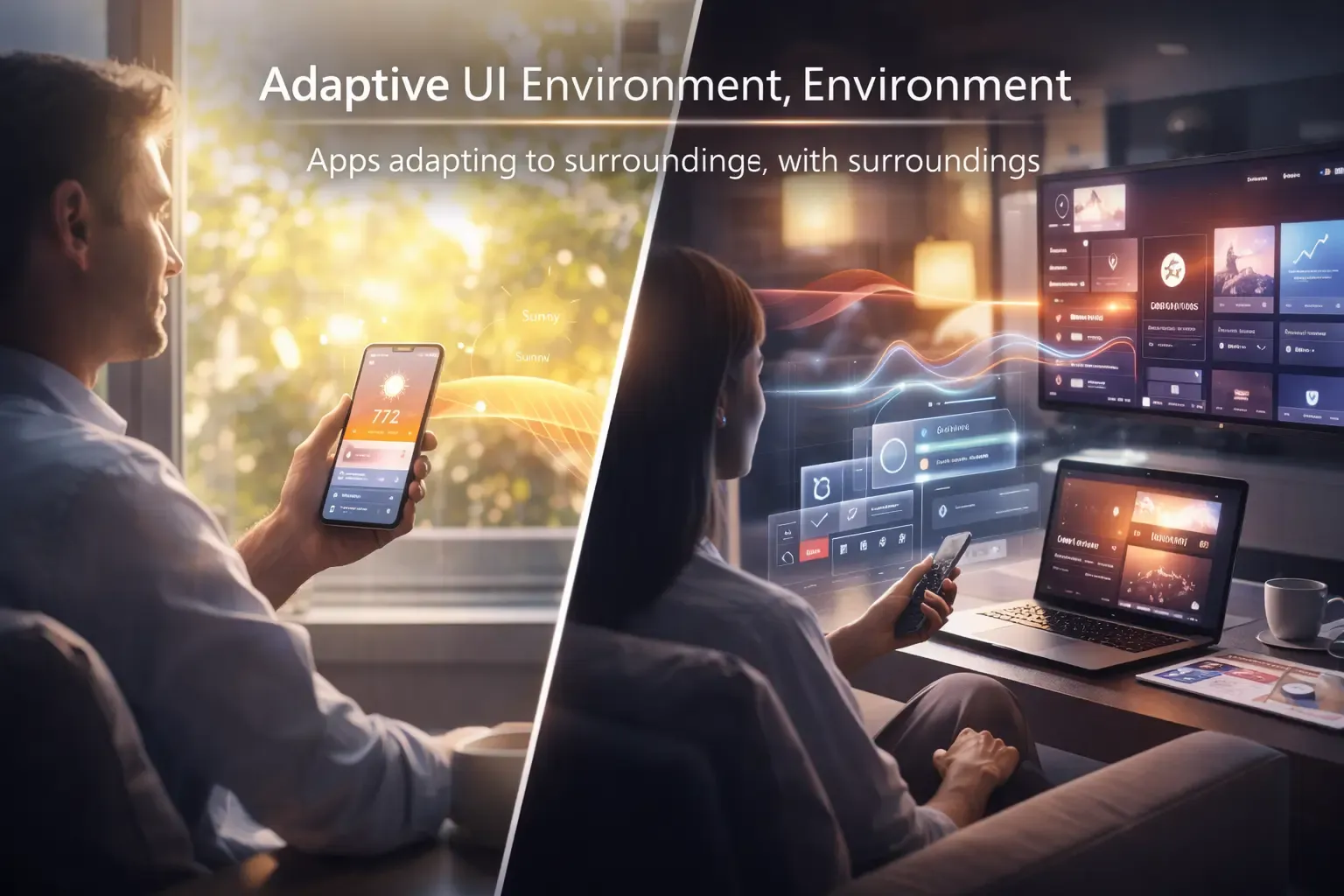
Environmental UX changes this paradigm by creating apps that adapt to light, noise, and surroundings automatically. These apps respond intelligently to the environment, creating seamless and context-aware experiences that improve usability, focus, and efficiency.
In this article, we explore what Environmental UX is, how it works, real-world examples, and why it is shaping the future of adaptive digital experiences.
What Is Environmental UX?
Environmental UX refers to user experiences where apps adjust dynamically based on environmental conditions. Instead of relying solely on user input, the app senses and reacts to external stimuli such as:
- Ambient light levels
- Noise or sound patterns
- Physical surroundings or location
- Device orientation or movement
By adapting to the environment, apps provide more intuitive, personalized, and frictionless interactions.
Why Environmental UX Matters
Traditional apps often fail to account for the user’s context. For example:
- Bright sunlight may make a phone screen hard to read.
- Loud surroundings may prevent a notification from being noticed.
- Physical movement may make certain interface layouts inconvenient.
Environmental UX solves these problems by:
- Automatically adjusting brightness or contrast
- Modifying sound and notification settings
- Reordering or resizing interface elements based on activity or context
- Delivering information at the right time and place
This leads to better usability, less cognitive strain, and higher engagement.
How Environmental UX Works
Environmental UX relies on sensors, machine learning, and smart interface design. Key components include:
1. Sensor Integration
Devices collect real-time environmental data through sensors such as:
- Light sensors
- Microphones
- GPS and motion detectors
- Proximity and orientation sensors
These inputs allow apps to understand the user’s context.
2. Adaptive Algorithms
Machine learning algorithms process sensor data to:
- Predict optimal interface adjustments
- Prioritize notifications based on context
- Recommend actions or shortcuts to users
- Automatically switch modes for comfort and efficiency
This ensures the app responds proactively rather than reactively.
3. Dynamic Interface Adjustments
Apps modify their layout, appearance, or functionality to match the environment:
- Adjusting color schemes or font sizes for readability
- Silencing alerts in noisy or quiet locations
- Reordering menu items based on recent actions
- Enabling voice interaction when hands are occupied
The interface becomes flexible and responsive, improving the user experience.
4. Continuous Learning
Environmental UX systems improve over time. By tracking user responses and preferences, apps learn to:
- Anticipate environmental changes
- Optimize notifications and interface layouts
- Personalize the experience for different users
- Reduce unnecessary interventions
This creates a highly adaptive and user-centered design.
Real-World Applications of Environmental UX
1. Mobile Devices
Smartphones and tablets can adjust brightness, screen orientation, and notifications based on light, noise, and movement.
2. Wearables
Smartwatches and fitness bands adapt displays, alerts, and tracking based on the wearer’s environment, such as outdoor sunlight or gym noise levels.
3. Smart Home Devices
Environmental UX allows smart lights, thermostats, and speakers to adjust automatically based on ambient conditions, user activity, and time of day.
4. Automotive Systems
In cars, dashboards and infotainment systems adapt to changing lighting, traffic noise, and driver attention, improving safety and usability.
5. Work and Collaboration Apps
Software can prioritize tasks, mute notifications, or highlight critical messages depending on office noise, focus mode, or virtual meeting schedules.
Benefits of Environmental UX
1. Enhanced User Comfort
Automatically adapting to surroundings reduces eye strain, hearing fatigue, and other environmental discomforts.
2. Increased Efficiency
Context-aware adjustments save time and effort by reducing manual changes.
3. Better Engagement
Users feel more connected to apps that respond intelligently to their environment.
4. Reduced Cognitive Load
Eliminating unnecessary interaction steps helps users focus on meaningful tasks.
5. Safety and Accessibility
Adaptive interfaces ensure better visibility, audibility, and accessibility for all users.
Designing Effective Environmental UX
Creating successful Environmental UX requires careful design and technology integration:
1. Prioritize Sensor Accuracy
Ensure the device can reliably detect light, noise, and motion to make appropriate adjustments.
2. Respect User Privacy
Handle environmental data securely, with clear permissions and transparency.
3. Predict Without Intrusion
Adaptive changes should assist without overwhelming or surprising users.
4. Continuous Feedback
Allow users to override or fine-tune adaptive behaviors to suit personal preferences.
5. Test Across Contexts
Design for multiple environments—indoors, outdoors, quiet spaces, and noisy locations—to ensure reliability and usability.
Challenges in Environmental UX
Despite its advantages, Environmental UX faces some challenges:
- Sensor limitations or inaccuracies
- High battery or resource consumption
- Balancing automation with user control
- Complexity in designing adaptable interfaces
Overcoming these challenges requires thoughtful engineering, testing, and user research.
The Future of Environmental UX
Environmental UX is closely linked to emerging trends in ambient computing, AI-driven personalization, and context-aware interfaces.
Future developments may include:
- Fully predictive adaptive interfaces
- Intelligent multitasking based on surroundings
- Context-aware AR/VR experiences
- Seamless integration across multiple devices and environments
Apps will become smarter, more intuitive, and less reliant on manual input, creating truly responsive digital ecosystems.
Final Thoughts
Environmental UX represents the next frontier in user experience design. By creating apps that respond to light, noise, and surroundings, we move closer to truly adaptive, context-aware, and frictionless digital experiences.
Users benefit from enhanced comfort, focus, and efficiency, while designers can create smarter interfaces that anticipate needs instead of reacting to them.
The future of apps is not static, it’s alive, aware, and always adapting.