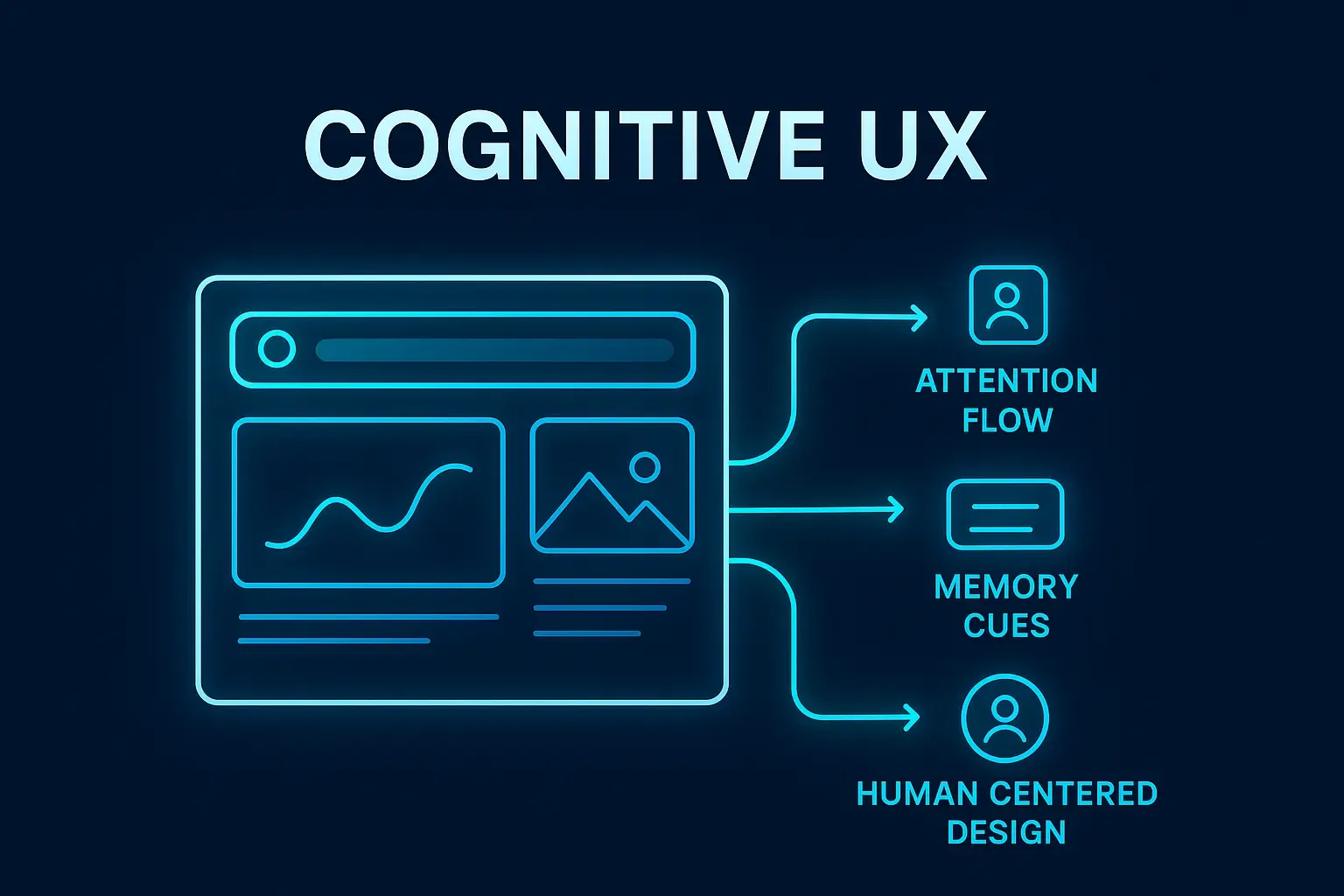
Good design is not only beautiful. It is understandable. It fits the way humans think, remember, and process information. This is the idea behind cognitive UX, a discipline that designs interfaces around the natural limits and strengths of human attention and memory.
In a world full of apps, notifications, and digital noise, cognitive UX is becoming essential. Designers who understand how people think can create products that feel effortless, intuitive, and enjoyable to use.
This article explores how cognitive principles shape modern user experiences and how designers can use them to build more human friendly interfaces.
What Is Cognitive UX
Cognitive UX focuses on how users perceive information, store it, and act on it. It is based on psychology, neuroscience, and behavioral research. Instead of guessing what users want, cognitive UX studies how the mind actually works.
A cognitive driven interface reduces confusion, minimizes effort, and helps people reach their goals faster. It removes friction by designing for limitations rather than fighting them.
Cognitive UX is grounded in three core areas:
- attention
- memory
- decision making
Understanding these gives designers a roadmap for building experiences that feel natural.
How Human Attention Works in UX
Human attention is limited. People can only focus on one or two things at a time. Digital interfaces compete for attention constantly, so designers must learn to guide it carefully.
Focus and Visual Hierarchy
Users notice elements based on contrast, size, placement, and motion. A strong visual hierarchy helps direct attention to what matters most.
A clear call to action, a bold headline, or a highlighted button can guide users without overwhelming them.
Cognitive Load
Cognitive load refers to the mental effort required to understand information. High cognitive load leads to confusion and decisions made under pressure.
Interfaces with too many actions, menus, or choices strain the mind. Cognitive UX reduces load by grouping features, simplifying tasks, and offering clear pathways.
The Spotlight Effect
People see only what is inside their attention spotlight. Anything outside that spotlight becomes invisible.
Designers use spacing, color, and alignment to place important elements inside the spotlight and remove distractions from the edges.
Habit Loops
Attention is shaped by habits. Users follow predictable patterns, such as checking top navigation, swiping down to refresh, or tapping icons in corners.
Designing around familiar patterns increases speed and comfort.
Memory and Its Role in UX
Cognitive UX also considers how people remember things. Human memory is imperfect, so interfaces must help users avoid relying on it too heavily.
Short Term Memory Limits
Short term memory can hold only a few items for a few seconds. When interfaces ask users to remember long lists, codes, or instructions, errors increase.
This is why good UX avoids:
- overstuffed menus
- unclear forms
- complex onboarding steps
Recognition Over Recall
People are better at recognizing options than recalling them. Menus, icons, and visible cues help users pick up tasks quickly.
For example:
- showing saved addresses instead of asking users to reenter them
- using clear icons for familiar features
- letting users see recently visited pages
Recognition reduces mental effort and speeds up decision making.
Chunking Information
Chunking means grouping related information. It makes content easier to scan and store.
Designers use chunking when they:
- break forms into multiple steps
- group related settings
- use card based layouts
- separate tasks into simple flows
Chunking turns complexity into manageable pieces.
Context and Memory
User memory improves when information appears in familiar contexts. Interfaces that stay consistent across screens help users build mental models.
Consistency in layout, buttons, typography, and interaction patterns reduces confusion and improves retention.
Decision Making in Cognitive UX
Every interface involves decisions. Cognitive UX helps users make choices without stress or overwhelming effort.
Reducing Decision Fatigue
Too many options can paralyze users. Designers reduce choice overload with:
- prioritized options
- recommended actions
- smart defaults
- clear progress indicators
Predictability
People choose options faster when they know what to expect. Predictable behavior includes:
- consistent button actions
- clear feedback after interactions
- simple confirmation messages
- understandable error states
Predictability builds trust and confidence.
Micro Moments
These are small moments when users expect quick answers or actions. A cognitive interface identifies these moments and responds instantly with:
- auto suggestions
- quick actions
- personalized shortcuts
These reduce friction and support faster decision making.
Applying Cognitive UX Principles
Now let’s explore how designers apply cognitive principles in digital products.
Simplifying Interfaces
Removing unnecessary steps, features, or elements reduces cognitive load. Minimalist interfaces are not just visually cleaner. They are mentally lighter.
Guiding User Flow
Flow is the path users follow to complete a task. Cognitive UX creates a flow that matches natural thought processes.
This includes:
- clear starting points
- smooth transitions
- logical order of actions
- visible progress
Using Familiar Patterns
Familiar patterns reduce learning time. Users know how to navigate tabs, cards, dropdowns, and sliders because they see them across apps.
Reinventing common patterns confuses users. Cognitive UX builds on established habits.
Providing Helpful Feedback
Feedback helps users understand what is happening. This includes:
- subtle animations
- color changes
- checkmarks
- confirmation messages
Feedback reduces uncertainty and encourages confidence.
Supporting Attention
Designers use spacing, contrast, and grouping to steer attention naturally. Interfaces that respect attention feel calmer and easier to use.
Reducing Text Overload
Cognitive UX encourages concise content. Short sentences, clear headings, and simple words prevent mental fatigue.
Cognitive UX in Real Products
Cognitive design principles can be seen in products you use daily.
Search Engines
Search bars predict queries and show results instantly. They work around short term memory limits by offering recognition based choices.
Messaging Apps
Clear hierarchies, predictable patterns, and minimal options support continuous attention and fast routine actions.
Navigation Apps
Chunked instructions, step indicators, and visual cues guide users through complex environments with minimal effort.
Smart Home Apps
These apps use icons, color coding, and guided flows to reduce cognitive load and simplify control.
Accessibility and Cognitive UX
Cognitive UX is essential for accessibility. Designing for cognitive comfort helps users with:
- ADHD
- dyslexia
- memory impairments
- cognitive disabilities
- neurological conditions
Clear structure, simple layouts, and predictable interactions make interfaces inclusive for everyone.
The Future of Cognitive UX
As AI and personalization increase, cognitive UX will evolve into deeper understanding of human behavior.
Future trends include:
- adaptive interfaces that adjust based on user stress levels
- predictive flows that shorten tasks
- context aware systems that show only what users need
- emotion sensitive interfaces that detect confusion
- multimodal interactions that reduce cognitive strain
Cognitive UX will merge with ambient intelligence, enabling apps and environments to adapt naturally to individual cognitive patterns.
Conclusion
Cognitive UX is about designing with the mind in mind. By understanding attention, memory, and decision making, designers create products that feel effortless and intuitive. In a noisy digital world, cognitive UX helps people focus, remember, and succeed with less effort.
The more we align design with human thinking, the better our interfaces become. Cognitive UX is not just a trend. It is the foundation of user friendly, human centered digital experiences.