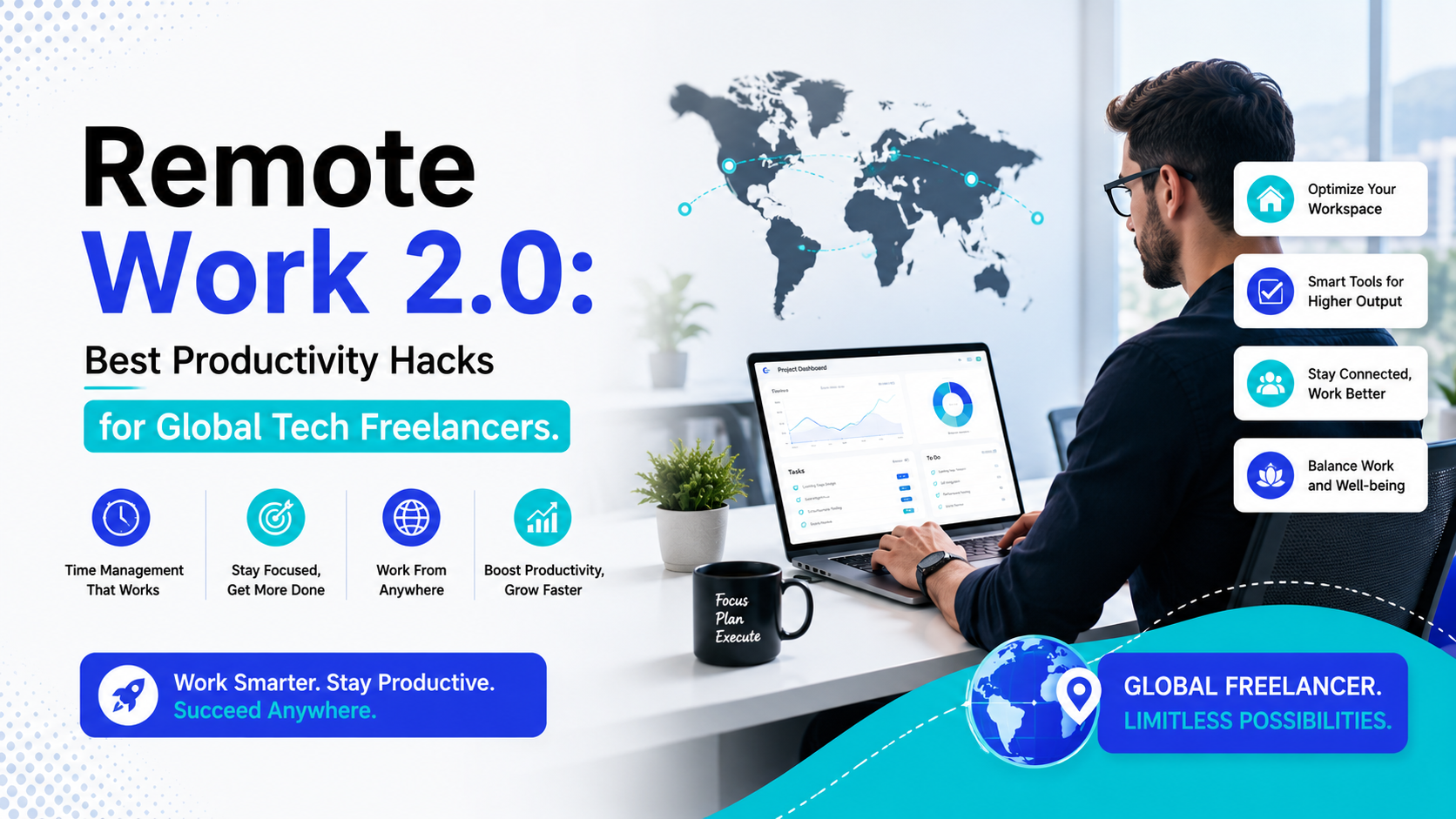
The traditional landscape of working from home has changed completely. The initial phase of remote work—which relied heavily on endless, exhausting Zoom check-ins, cluttered Slack channels, and manually tracking every billable hour is quickly fading. As we navigate 2026, the global freelance economy has firmly entered the era of Remote Work 2.0.
In this updated digital market, tech companies are rapidly moving away from rigid hourly metrics. Instead, the modern global market prioritizes clear, outcome-based performance models. Clients no longer care how many hours you sit at your keyboard; they care about the security, architecture, and business impact of the code you deliver.
At the same time, the massive rise of agentic AI applications and automated workflow systems has changed what it means to be a productive contractor. Writing basic code fragments or drafting standard project scripts has become completely automated. The most successful, high-earning independent developers are those who use smart digital systems to handle their administrative work, allowing them to focus entirely on high-level strategy.
If you want to protect your freelance business from AI automation and secure high-value contracts across different time zones, you must adapt your daily workflows. Let's look at the absolute best productivity hacks for modern tech freelancers to dominate the new remote work landscape.
1. Deploying Agentic AI Systems for Administrative Automation
The biggest bottleneck for solo tech freelancers isn't writing code—it is the time lost to administrative task decay. Managing independent client accounts requires you to act as your own account manager, accountant, scheduler, and support team.
Legacy Admin Tracking: Client Email ──> Manual Reply ──> Calendar Invite ──> Manual InvoiceRemote Work 2.0 Setup: Client Email ──> AI Agent Triaging ──> Smart Link Sync ──> Automated Billing
To free yourself from this administrative friction, you need to deploy advanced, autonomous workflows that process client requests in the background.
Building a Touchless Administrative Pipeline
Stop spending hours manually writing proposals, formatting layout templates, or chasing down invoices across multiple currencies.
- The Blueprint: Connect your client intake forms to smart automation platforms like Zapier Agents or open-source workflow networks like n8n.
- The Execution: Set up automated logic triggers so that when an international client approves a project milestone, your system instantly generates a compliant invoice using platforms like InvoiceNinja, updates your project board, and schedules the next review block.
Automating these repetitive administrative tasks reduces your daily cognitive load, helping you dedicate your best mental energy to building complex systems for your clients.
2. Transitioning to Asynchronous Communication Layouts
Sitting in live status meetings across global time zones is a major productivity killer for remote developers. If your calendar is packed with real-time sync calls spanning New York, Dubai, and Singapore, you will never find the uninterrupted blocks needed for deep development work.
Replacing Meetings with Clear Video Updates
Embrace an asynchronous communication strategy by moving away from real-time meetings. Instead of scheduling a live call to show a basic feature update or explain an architectural layout, record a concise, high-impact video overview using screen-capture tools.
Structure your updates with a highly polished framework:
- The Objective: Explain exactly what feature or module was deployed within the architecture.
- The Proof: Walk through the functional interface changes directly inside a testing environment.
- The Next Steps: Outline exactly what inputs you need from the client to keep the project moving forward.
This clean approach respects your client's calendar while creating a permanent, searchable record of your progress. It keeps your development momentum high and prevents disruptive mid-day interruptions.
Learning to build these highly efficient, automated client management pipelines is a vital skill for modern digital creators. Explore our specialized engineering tracks on our Milaaj Digital Academy, where we train global tech professionals to deploy elite digital frameworks.
3. Protecting Remote Terminals with Strong Endpoint Security
As distributed networks expand globally, cybersecurity has become a top priority for modern enterprises. Because a vast majority of successful corporate data breaches begin directly at remote endpoint devices, clients are tightening their tech compliance guidelines.
Hardening Your Home Work Environment
If you connect to high-value client repositories using an unencrypted home network or an unsecured personal device, you run a major risk of being flagged by automated security audits. You must treat your freelance setup with enterprise-grade seriousness:
- Dedicated Hardware Profiles: Isolate your client development work by setting up dedicated, encrypted user accounts protected by strong multi-factor authentication.
- Encrypted Connections: Never push raw code patches or access production databases over public Wi-Fi networks without a secure, audited connection layer.
- Automated Security Scans: Use automated endpoint tools to continuously scan your local machines for vulnerabilities and keep your developer applications fully patched.
Proactively verifying your remote security posture gives your enterprise clients complete peace of mind, making it easy for them to clear you for high-level, sensitive development projects.
4. Using Contextual AI Interfaces to Speed Up Deep Work
In the era of Remote Work 2.0, elite developers don't look at AI tools as lazy shortcuts. Instead, they treat them as powerful cognitive assistants that speed up deep research and system engineering.
[Complex Tech Documentation Pile] │ ▼ [Upload to Specialized Context Benches (NotebookLM)] │ ▼ [Instant, Error-Free Architecture Blueprints]
Streamlining Complex Technical Research
Stop spending hours digging through poorly organized, outdated API manuals or dealing with messy forum documentation. Use advanced, context-aware platforms like Google’s NotebookLM to accelerate your workflow.
By uploading large text files, repository structures, or system guidelines directly into a local context bench, you can query your project data instantly. This allows you to generate error-free deployment steps, map complex code relationships, and spot architecture issues in a fraction of the time.
Want to move past simple programming tutorials and master the advanced automation systems that drive the global tech economy? Join our practical Full Stack Development Course at Milaaj Digital Academy to learn how to deploy AI-augmented frameworks, scale your business reach, and win high-paying international contracts.
Conclusion: Mastering the New Remote Work Environment
Success in the modern freelance market requires far more than basic programming knowledge. As technology continues to automate routine execution, your ultimate advantage lies in your ability to build smart, highly efficient workflows.
By automating your administrative tasks with agentic AI systems, moving to clear asynchronous client communications, securing your development devices, and using advanced research tools, you elevate your freelance business. You insulate your business from automated competition and position yourself as a premium, highly visible tech partner in the global marketplace.
Frequently Asked Questions (FAQ)
What defines the shift to Remote Work 2.0 for tech freelancers?
Remote Work 2.0 is defined by a move away from simple hourly tracking toward clear, outcome-based value models. It focuses heavily on using agentic AI automation to handle administrative tasks, utilizing asynchronous communication to collaborate across time zones, and maintaining strong endpoint data security.
How can freelancers automate their billing and invoicing across different countries?
You can build automated workflows using no-code platforms to link your project tracking boards directly to multi-currency invoicing tools like InvoiceNinja. This allows your system to automatically create invoices, track international payments, and log data when project milestones are cleared.
Why is cybersecurity endpoint management so important for independent contractors?
Enterprise clients frequently use automated compliance tools to scan and audit external contractor connections. By protecting your developer devices with strong data encryption, active firewalls, and multi-factor authentication, you ensure you can safely connect to sensitive corporate networks without triggering security flags.
How does asynchronous communication help prevent freelance burnout?
Asynchronous communication removes the need for constant, real-time status meetings across conflicting global time zones. By using recorded video summaries and clear text documentation instead, you protect large blocks of focus time for deep development work.
What are the best AI-powered productivity tools for developers?
Some of the most effective modern tools include automated workflow managers like Zapier Agents, deep contextual research assistants like NotebookLM, and advanced time management tools like Toggl Track. These platforms cut down on manual administrative tasks and help you stay entirely focused on writing high-value code.