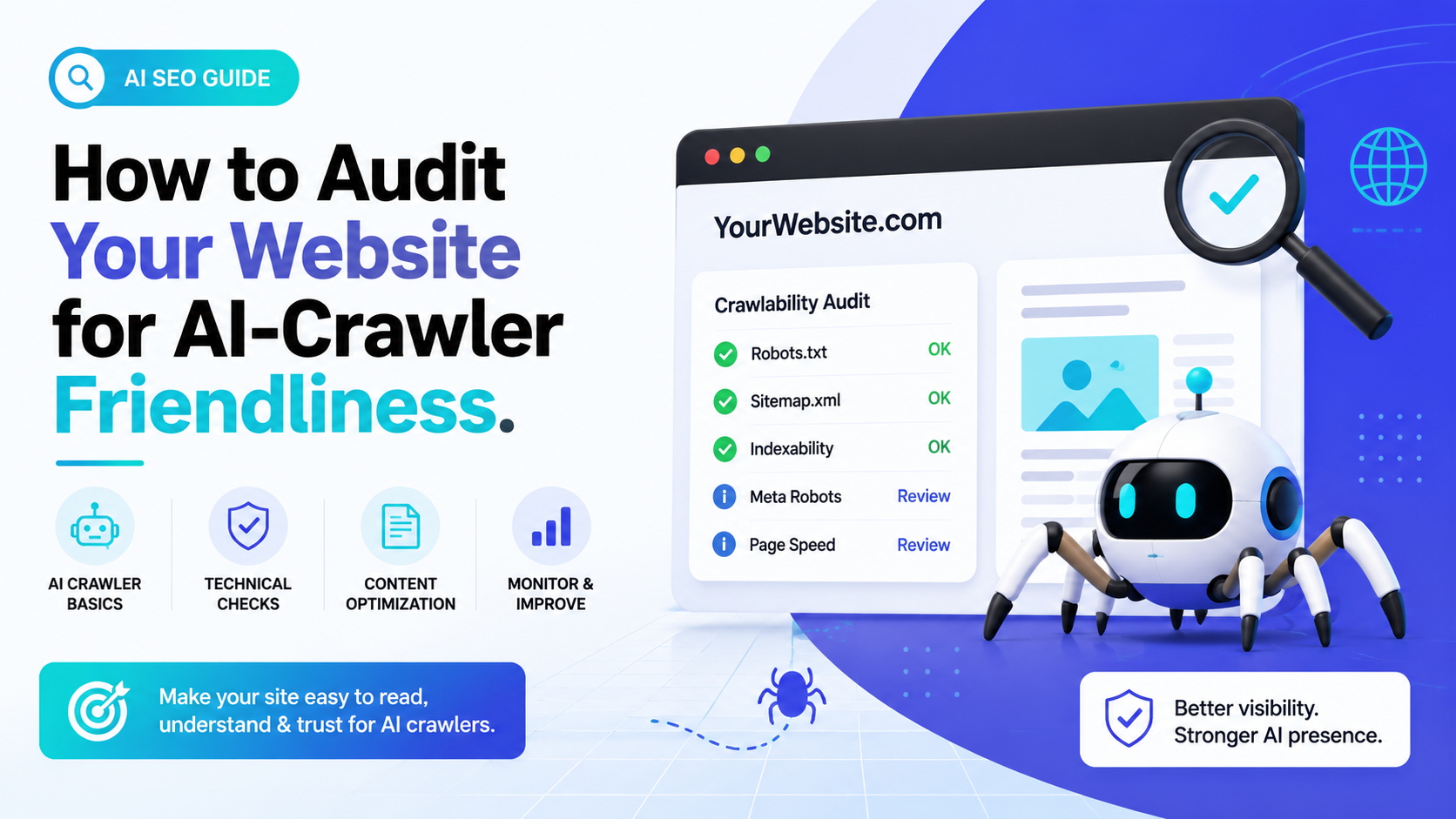
The traditional search landscape is changing fast. For decades, standard technical SEO audits focused entirely on pleasing Googlebot and Bingbot to secure a top spot on the classic 10 blue links layout. But as we navigate 2026, user search habits have transformed. Millions of high-intent buyers are bypassing standard directories altogether, opting instead to ask deep conversational questions directly inside platforms like ChatGPT, Google Gemini, and Perplexity.
This behavioral shift has introduced a brand-new performance metric to the digital world: AI Search Visibility.
When an answer engine synthesizes a real-time response for a user, it acts as an automated research assistant. It scrapes multiple web pages, extracts key semantic text fragments, and displays a single compiled answer alongside clickable source citations. If your domain isn't built to accommodate these advanced scrapers, your site will be completely bypassed by AI retrieval indexes.
To protect your organic reach, you must learn how to audit your website for AI-crawler friendliness. Let’s break down the exact structural, technical, and data-driven steps required to turn your website into a preferred source for large language models (LLMs).
Step 1: The Technical AI Crawlability Audit (The Gatekeeper Layer)
Before an artificial intelligence system can quote your content, its specialized web crawlers must be physically capable of reading your code. Many brands discover they are completely invisible to next-generation engines simply because legacy security tools or outdated configurations block AI crawlers automatically.
Unlocking the Core AI User-Agents
Open up your root robots.txt file (e.g., [yourdomain.com/robots.txt](https://yourdomain.com/robots.txt)) and analyze your existing directives. Many standard SEO plugins add a blanket wildcard block (User-agent: *) that accidentally keeps newer AI bots out.
To build a healthy, AI-friendly crawl space, ensure your file explicitly authorizes access to the core search and user-triggered retrieval bots operating across the industry:
Plaintext
User-agent: GPTBotAllow: /User-agent: OAI-SearchBotAllow: /User-agent: ChatGPT-UserAllow: /User-agent: ClaudeBotAllow: /User-agent: PerplexityBotAllow: /User-agent: Perplexity-UserAllow: /
Checking Your CDN and Edge Firewalls
The biggest silent killer of AI search visibility happens at the server level. Security platforms like Cloudflare, Akamai, or AWS frequently have "AI Scraper and Bot Protection" toggles turned on by default. Because this blocking occurs at the edge, AI bots are rejected before they ever hit your site, meaning these crawl drops won't appear inside standard CMS plugins.
Review your firewall event logs. If you notice reputable search agents like OAI-SearchBot or PerplexityBot getting hit with 403 error codes, manually add them to your firewall's whitelist to restore access.
Step 2: Server Log Analysis and Tracking Bot Behavior
A successful audit requires concrete proof that AI systems are actively crawling your pages. To find this evidence, you must look directly at your raw server logs (Apache, Nginx, or hosting log analysis dashboards).
Segmenting Your Web Scrapers
Export your raw logs and filter the server hits specifically by user-agent string patterns. Grouping your log results reveals exactly how deep these AI bots are traveling within your site architecture. When evaluating this data, keep in mind that AI bots fall into distinct functional categories:
- Training Bots (e.g., GPTBot, ClaudeBot): These bots crawl broadly and occasionally to absorb text data for long-term model training.
- Search and Retrieval Bots (e.g., OAI-SearchBot, PerplexityBot): These indexers crawl at a higher frequency to pull current, real-time facts for active conversational answers.
[Raw Server Logs] │ ┌─────────────┴─────────────┐ ▼ ▼[Training Crawlers] [Search & Retrieval Bots](GPTBot / ClaudeBot) (OAI-SearchBot / PerplexityBot) │ │ ▼ ▼Feeds Core Knowledge Base Feeds Real-Time Citations
Mitigating the Crawl Depth Trap
Unlike Googlebot, which manages massive budgets to map massive deep link architectures, AI search bots typically drop off significantly if a page sits more than three clicks away from the homepage. Check the crawl depth of your high-value informational guides. If your top educational pages require four or more clicks to reach, use internal linking to move them closer to your root directory so retrieval bots can access them easily.
Learning to read server logs and manage modern crawling behavior is a core skill for the next generation of web masters. Discover our comprehensive curriculum on our Milaaj Digital Academy Home Page, where we break down advanced technological data frameworks.
Step 3: Auditing Your Code Architecture for Clean Rendering
AI search agents do not interact with web pages like a human using a web browser. They focus heavily on speed and immediate extraction efficiency, which means complex JavaScript rendering setups can easily break their tracking loops.
The Golden Rule: Server-Side Rendering (SSR)
To confirm your site is fully extractable, open up a primary content page inside your browser, completely disable JavaScript in your developer tools, and reload the page.
- If your core text, tables, and lists disappear or show a blank application shell, your site is entirely dependent on client-side rendering.
- AI bots often skip execution loops for complex JavaScript, meaning they will see an empty page and move on.
Transition your informational pages to Server-Side Rendering (SSR) or pre-rendered static HTML. The raw source code must contain your full text responses directly inside the initial HTML payload to ensure seamless machine extraction.
Additionally, make sure you don't bury your primary answers inside "View More" toggles, multi-step sliders, or interactive accordion tabs. If a human has to click an element to reveal text via JavaScript, an AI scraper will typically ignore it.
Step 4: Schema Markup Validation and Entity Matching
If your raw HTML is the foundation, structured data serves as the direct translator that bridges your content to an artificial intelligence engine's internal Knowledge Graph.
Implementing High-Impact JSON-LD Layouts
Do not limit your technical structure to basic metadata tags. To make your site citable during Retrieval-Augmented Generation (RAG) processes, you must deploy deeply nested, error-free JSON-LD schema markup across your key templates:
- LocalBusiness / Organization Schema: Explicitly states your brand name, identical Name-Address-Phone (NAP) metrics, and core corporate operational details.
- Product / Service Schema: Feeds accurate attribute sets directly to comparative AI shopping matrices (including pricing bands, service parameters, and availability).
- FAQPage / Article Schema: Offers a structured, bite-sized delivery method for informational context extraction.
JSON
{ "@context": "https://schema.org", "@type": "FAQPage", "mainEntity": [{ "@type": "Question", "name": "How do you audit your website for AI-crawler friendliness?", "acceptedAnswer": { "@type": "Answer", "text": "To audit your website for AI-crawler friendliness, you must verify AI user-agent permissions in your robots.txt, ensure content renders cleanly without JavaScript execution, validate your JSON-LD schema markup, and format your answers using clear heading hierarchies." } }]}
Validating with Direct Testing Tools
Never guess whether your structural markup code is valid. Run your key service directories and editorial templates through the official Google Rich Results Test and schema validation benches. A single missing comma or malformed bracket can invalidate the entire script, blinding AI engines to your underlying entity relationships.
Want to master advanced structural validation and scale your digital asset performance? Sign up for our specialized Advanced Digital Marketing Course at Milaaj Digital Academy to gain hands-on training with schema deployment, algorithmic extraction tactics, and next-generation optimization frameworks.
Step 5: Content Extraction Optimization (The Answer-First Framework)
Once you verify that bots can seamlessly access, render, and interpret your site, your final step is optimizing the physical layout of your content for crisp, conversational answers.
The H3 Question Pattern
AI engines love clear, scannable hierarchies. When planning long-form informational content, format your inner topics around explicit, natural-language questions that real humans voice into AI prompts.
- The Structure: Format the core question inside a bold H3 heading tag.
- The Inverted Pyramid: Place an explicit, highly accurate "Mini-Answer" of 40 to 60 words directly beneath that heading.
- The Deep Dive: Provide your longer narrative analysis, comprehensive context, and statistical proof points below that initial answer block.
This precise layout allows an engine's RAG algorithm to quickly isolate and pull the concise summary block for its conversational interface, securing an immediate citation credit for your page.
Conclusion: Securing Your Status as an Authoritative Source
Learning how to audit your website for AI-crawler friendliness is no longer an optional luxury—it is an absolute necessity for any brand that wants to remain discoverable online. By systematically removing server-side firewall blocks, optimizing crawl depths, delivering clean server-rendered HTML, and providing structured validation layers, you build an ironclad digital asset that modern answer engines can easily crawl and trust.
Frequently Asked Questions (FAQ)
What does it mean to audit your website for AI-crawler friendliness?
An AI-crawler audit evaluates how easily conversational search systems (like ChatGPT, Perplexity, and Gemini) can find, read, and extract your web data. Unlike traditional SEO audits that focus heavily on text keyword placement, an AI audit focuses on machine-readable accessibility, clean server rendering, and structural entity validation.
Will allowing AI crawlers on my website hurt my traditional Google rankings?
No, it won't. Allowing specialized user-agents like GPTBot or PerplexityBot to index your content has no negative impact on your traditional Google indexing or organic performance. It simply expands your brand's digital visibility to include conversational answer cards and zero-click search summaries.
What is the difference between a training bot and a retrieval bot?
Training bots (such as ClaudeBot or GPTBot) crawl the web occasionally to build the massive baseline knowledge models are trained on. Search and retrieval bots (such as OAI-SearchBot or PerplexityBot) crawl frequently to pull real-time data and provide up-to-date facts for active user queries.
Why does client-side JavaScript rendering cause problems for AI scrapers?
Many AI engines prioritize crawling speed and computational efficiency. They often read raw HTML code strings directly rather than executing complex, multi-layered client-side JavaScript apps. If your text content requires JavaScript to load visually on a screen, AI bots may read it as an empty page.
How do I check if my website’s firewall is blocking AI crawlers?
To check for firewall blocks, pull your raw server access logs and filter for top AI crawler strings like OAI-SearchBot or PerplexityBot.Look closely at the HTTP response codes associated with those requests. If you see a pattern of 403 Forbidden or 503 Service Unavailable codes, your CDN or hosting security firewall is blocking the engines at the edge.